
Mobile API Pentesting: App, Protocol and Backend
Mobile API pentesting: intercepting the real API past certificate pinning, device ID as weak identity, token handling, deep links and WebView.
A mobile application is a client distributed to thousands of devices you do not control.
That changes the security model completely.
App code can be read.
Requests can be observed.
Local checks can be modified.
Tokens can be extracted from the tester’s own device during an authorized assessment.
The API still needs to remain secure when the client is no longer trusted.
The examples below assume a lab application and backend or an authorized scope.
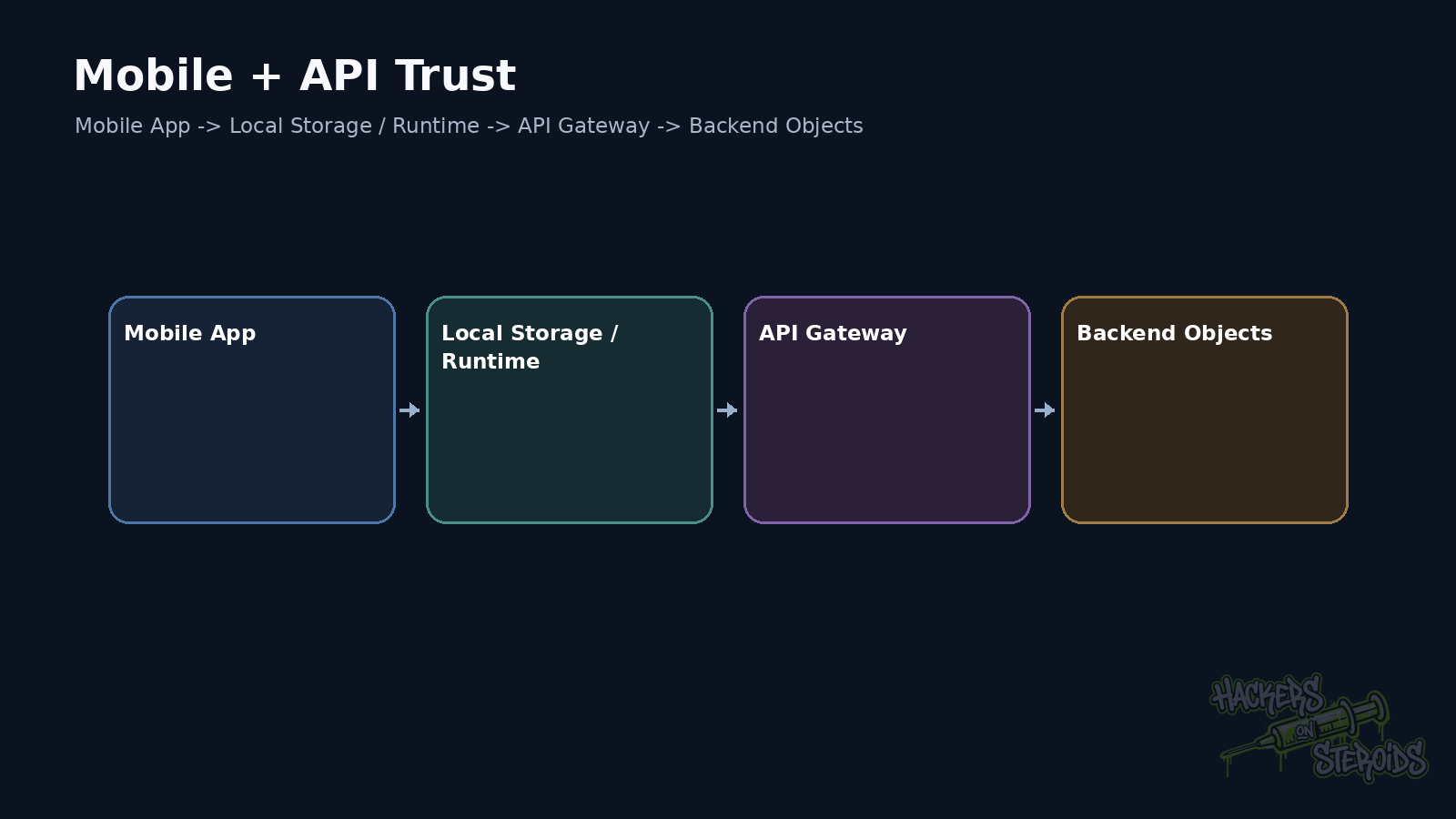
Mobile pentesting starts with two surfaces at once
I separate client and server work.
On the client, I want to know how the app stores data, builds requests and validates TLS. Then I inspect deep links and platform components.
On the server, I want to know how the API authenticates and authorizes. Then I inspect rate limits and metadata trusted from the application.
Both surfaces meet in the protocol.
If the app hides an endpoint, static analysis may reveal it.
If the API trusts a local header, dynamic analysis lets me modify it.
If a token is perfectly protected in Keychain but the backend has broken authorization, the vulnerability still exists server-side.
APK and IPA files provide accidental documentation
Android APK files can be inspected with tools such as jadx and apktool.
Example:
1
jadx -d out app.apk
Then I search for useful strings:
1
grep -RniE 'https?://|api[_-]?key|client[_-]?id|graphql|/v[0-9]+/' out/
This can reveal hostnames.
Paths.
Feature flags.
Header names.
Deep links.
Libraries.
Staging environments.
Public keys.
Sometimes it exposes a static secret too.
If every user receives the same value inside the binary, treat that value as public once the app is distributed.
A shared API key inside the app has a clear limit
A mobile application cannot hide a shared secret from somebody who controls their own device.
Obfuscation raises analysis cost.
It does not change that property.
If an API accepts:
1
X-Mobile-Secret: q9f3a8...
as proof that the request came from the official app, the control is weak.
The user can recover the value from the package or process.
A shared key may slow down casual automation.
It should not replace user authentication or server-side authorization.
Intercepting traffic reveals the real API
A proxy is one of the central tools in mobile testing.
Burp Suite or mitmproxy can observe requests when the device trusts the test certificate and the app allows interception.
Proxy configuration differs across Android and iOS.
In a lab, the goal is to reproduce the request outside the app.
Once that works, the API can be tested with Repeater, scripts, and the same tooling used for web applications.
The mobile app becomes a source of protocol context.
Certificate pinning changes the route, not the objective
Some apps pin a certificate or public key.
That reduces man-in-the-middle attacks against real users.
During an authorized pentest, you may need runtime instrumentation to observe the protocol.
Frida is commonly used for that work.
A lab flow may look like:
1
frida -U -f com.example.app -l ssl-lab-hook.js
The exact hook depends on the TLS stack and pinning implementation.
The objective remains testing the application and API.
Reporting that pinning was bypassed through instrumentation is rarely a strong standalone vulnerability when the attacker already controls the device.
Its value appears when interception reveals another bug or when the threat model explicitly requires resistance to local instrumentation.
The backend needs to assume a hostile client
OWASP MASVS reinforces this principle.
Critical authentication and authorization decisions belong on the server.
Local controls help user experience and defense in depth.
They cannot be the only authority for sensitive actions.
Example.
The app hides a Premium button.
The API receives:
1
2
3
POST /api/v1/export
Authorization: Bearer USER_TOKEN
X-Plan: premium
If changing X-Plan unlocks the feature, the backend trusted client-controlled metadata.
The application cannot protect that header from its own user.
Create two accounts early
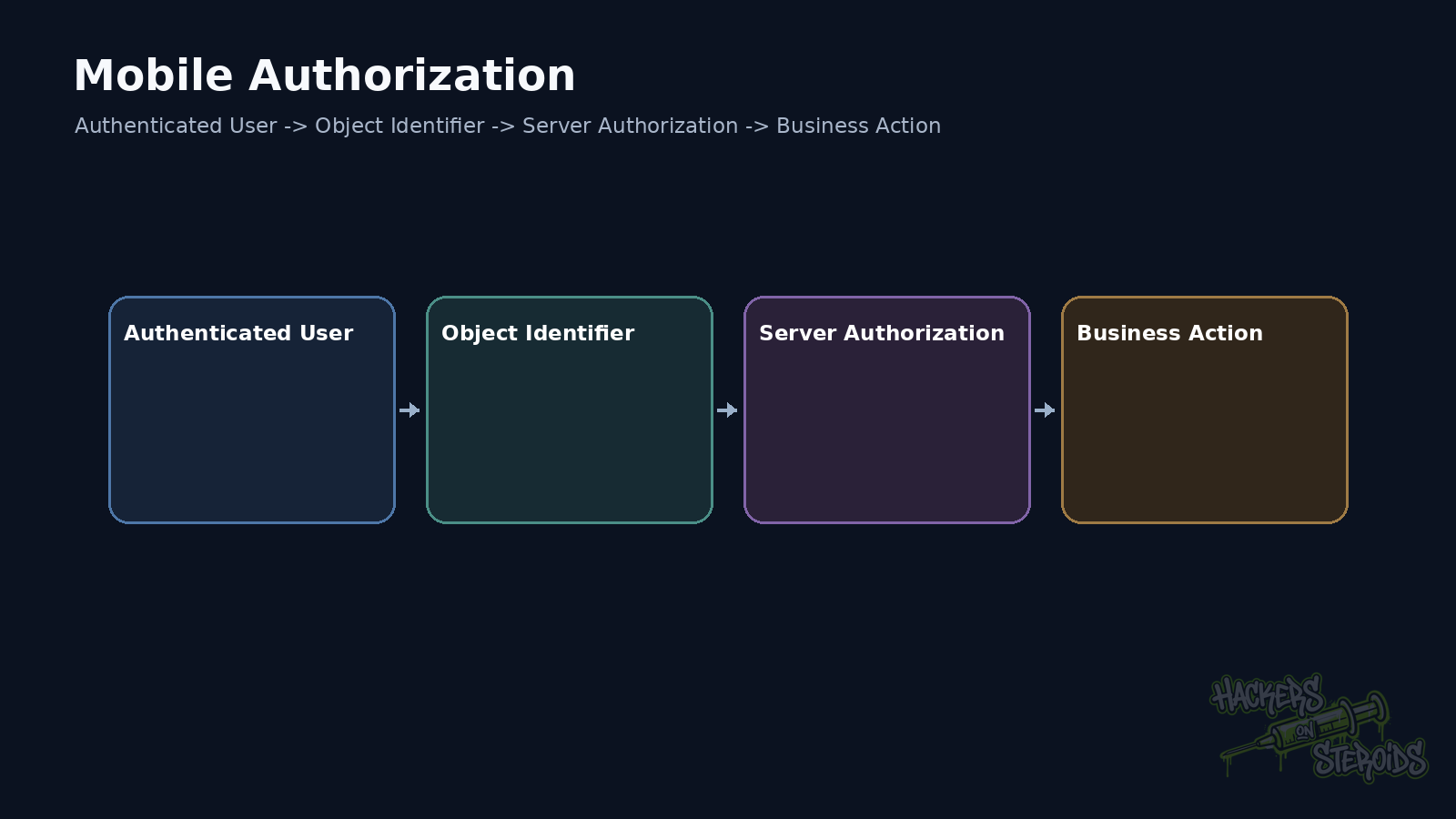
Mobile APIs suffer from the same authorization flaws as any other API.
Create User A.
Create User B.
Capture an object from each one.
Swap IDs.
Swap organization IDs.
Swap device IDs.
Swap resource IDs.
If a premium or administrative role exists, add a third profile when scope allows it.
That matrix finds BOLA and BFLA quickly.
Device ID is not a strong identity
Apps send device identifiers for many reasons.
Analytics.
Fraud signals.
Push messaging.
Session binding.
Risk appears when the backend treats that identifier as authentication.
Values recoverable or changeable on the client can be spoofed.
The API should authenticate the user or use an appropriate cryptographic device credential.
A header such as:
1
X-Device-ID: 4f882e...
works well as context.
It works poorly as the only factor authorizing a sensitive operation.
Access tokens and refresh tokens need different tests
An access token usually has a short lifetime.
A refresh token exists to obtain new access tokens.
Test logout.
Test revocation.
Test password changes.
Test multiple devices.
Test refresh-token reuse.
Test rotation.
Test whether a User A token works inside User B’s tenant.
A healthy mobile session needs a clear lifecycle.
A stolen refresh token may remain useful much longer than an access token.
Storage and revocation therefore matter together.
Local biometrics do not replace remote authorization
Face ID and Android biometrics can protect local access to a key or session.
The API does not see the user’s face.
It receives a token or proof derived from the client.
If the app has a local flag:
1
biometricUnlocked=true
that flag only exists on the device.
A high-risk financial operation may require additional server-side authentication depending on the threat model.
OWASP MASVS separates secure local authentication from remote authorization for this reason.
Attestation helps with modified clients and has limits
Android Play Integrity and Apple attestation mechanisms can help the backend measure application and device integrity.
That is useful for fraud and abuse controls.
The backend still needs to authorize the user’s action.
Valid attestation does not make GET /users/42 accessible to every authenticated account.
Treat attestation as another signal in policy.
Do not use it as a replacement for BOLA checks.
Deep links can send tokens to the wrong app
Mobile OAuth flows often return through deep links, custom schemes, or Universal/App Links.
If another app can register the same custom scheme, it may try to capture the callback.
Universal Links and Android App Links provide stronger domain binding when configured correctly.
During testing, I record:
1
2
3
4
5
6
7
8
scheme
host
path
autoVerify/association
fallback
redirect URI
PKCE
state
Mobile OAuth needs PKCE and tightly controlled redirect behavior.
This test connects mobile platform security with web identity.
WebView combines web and native code
A WebView may load remote content inside the app.
An unsafe JavaScript bridge may let web content call native functionality.
Cookies and tokens may be shared differently from a normal browser.
Navigation allowlists matter too.
If the app opens a user-controlled URL inside a privileged WebView, impact may cross origins.
Even in an API-focused assessment, WebView deserves attention because it often carries the same session and talks to the same backend.
Old API versions often survive inside the client
The current app calls /v3/.
Static analysis finds /v1/.
Or a staging endpoint remains in code.
Check whether the old version still responds.
Authorization may have been fixed only in the newer version.
Mobile releases take time to reach every device.
Companies often keep backward compatibility longer than expected.
The pentest needs to identify which versions still exist.
GraphQL inside mobile apps leaks useful schema details
Even with introspection disabled, compiled queries inside the app can reveal a lot.
Fragments.
Mutations.
Field names.
Operation names.
IDs.
Persisted-query hashes.
Static analysis of the APK or application bundle can reconstruct much of the schema used by the product.
The analysis then returns to server-side authorization.
Feature flags reveal hidden functionality
Mobile applications carry flags for rollout.
1
2
3
enable_wallet_v2
show_admin_panel
new_transfer_flow
A flag hiding UI does not guarantee that the endpoint is inaccessible.
When I find a feature flag, I trace the code executed when it becomes true.
Then I test the backend directly.
This often reveals routes that are not visible to every user yet.
Error paths can reveal extra context
Mobile applications may log exceptions containing response bodies.
Debug builds may leave verbose logging enabled.
Crash reporting may receive tokens, PII, or internal endpoints.
On Android, inspect adb logcat when the scope permits.
Look for sensitive values written by the app.
Keep this separate from server-side logging.
Those are different trust boundaries.
Rate limiting needs both device and account context
Mobile login may use a phone number.
OTP.
Magic link.
Push approval.
Password.
PIN.
IP-only rate limiting is often weak on mobile networks and carrier NAT.
Account-only limits may create denial of service against a user.
A good design combines signals.
Testing identifies where the counter actually lives.
Change IP.
Change device ID.
Change session.
Change equivalent endpoint.
The goal is to understand whether the limit protects the real operation.
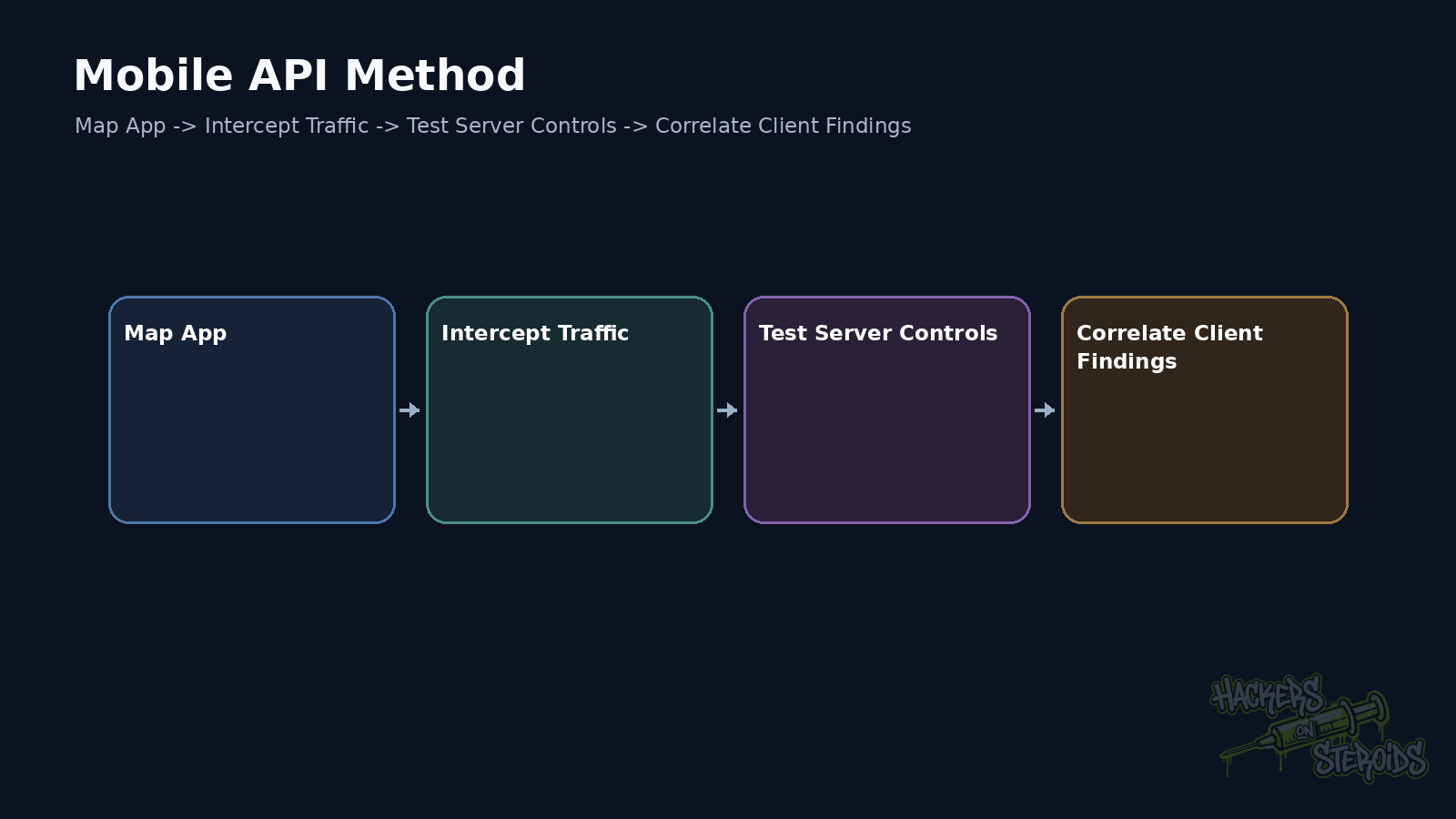
A testing method that works
I start by taking the client apart.
Map endpoints, versions and headers. Then map storage, deep links and libraries.
Then intercept traffic.
Reproduce requests outside the app.
Create two accounts.
Test object, function, and property authorization.
Then return to the client and look for local trust that the backend accepts.
Finally, connect identity and device state. Then connect tokens with platform behavior.
The report should separate client and server issues
“The key was found in the APK” is one finding.
“That key grants access to an administrative endpoint” is a different level of impact.
“Pinning was bypassed” describes testing capability.
“After interception, the API accepts an IDOR” describes a remote authorization flaw.
Combining everything into one finding makes remediation harder.
Show which control failed at each layer.
Remediation
Assume the app can be inspected and modified.
Keep real secrets out of the binary.
Perform authentication and authorization on the server.
Use short-lived tokens and correct revocation behavior.
Protect refresh tokens with platform storage.
Use PKCE in mobile OAuth.
Configure App Links and Universal Links correctly.
Use attestation as an additional signal where risk justifies it.
Do not trust client-supplied role, plan, price, or device ID as final truth.
Retire old API versions when compatibility ends.
Treat the application as a useful client for user experience and as fully observable from a security perspective.
References
OWASP Mobile Application Security, MASVS.
OWASP Mobile Application Security, MASWE-0018: Lack of Authentication or Authorization on App Components.
OWASP Cheat Sheet Series, Mobile Application Security.
OWASP, API Security Project.