
NTLM Relay in Practice: SMB, LDAP and HTTP Targets
NTLM Relay in practice: what makes a relay path viable, how SMB signing and LDAP channel binding change it, and a lab walkthrough with ntlmrelayx.
NTLM Relay works when an attacker can take legitimate authentication and make it reach the wrong service before that trust is bound to the correct channel.
The password does not need to be recovered.
The hash does not need to be cracked either.
The attacker reuses the challenge-response exchange while it is happening and forwards the messages to another service that accepts the authentication.
The examples below assume a lab or an authorized penetration test.
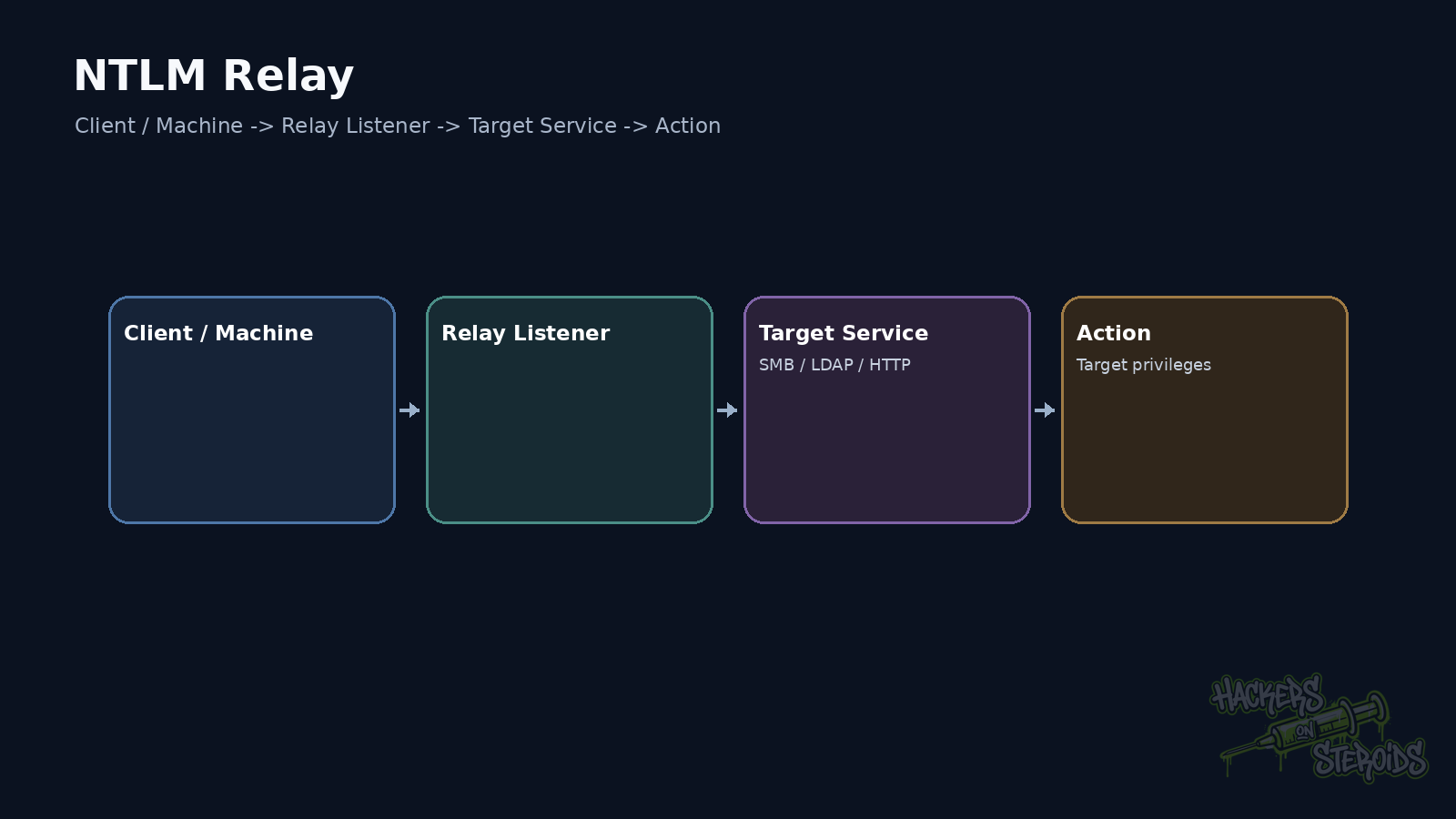
NTLM uses challenge-response
In a simplified NTLM authentication, the client starts negotiation.
The server returns a challenge.
The client computes a response using key material derived from the credential.
The server validates that response.
The original secret never crosses the network in clear text.
That design alone does not prevent relay.
If the target service accepts the same exchange without mechanisms that bind authentication to the correct session, an intermediary can forward the messages.
Relay and cracking are different problems
This distinction matters.
Capturing NetNTLMv2 and testing password candidates offline is cracking.
Receiving authentication and forwarding it in real time to another service is relay.
The first aims to recover or guess the password.
The second aims to use authentication without learning the password.
A 40-character password may resist cracking very well and still participate in relay when protocol and service protections allow it.
A complete relay path needs two sides
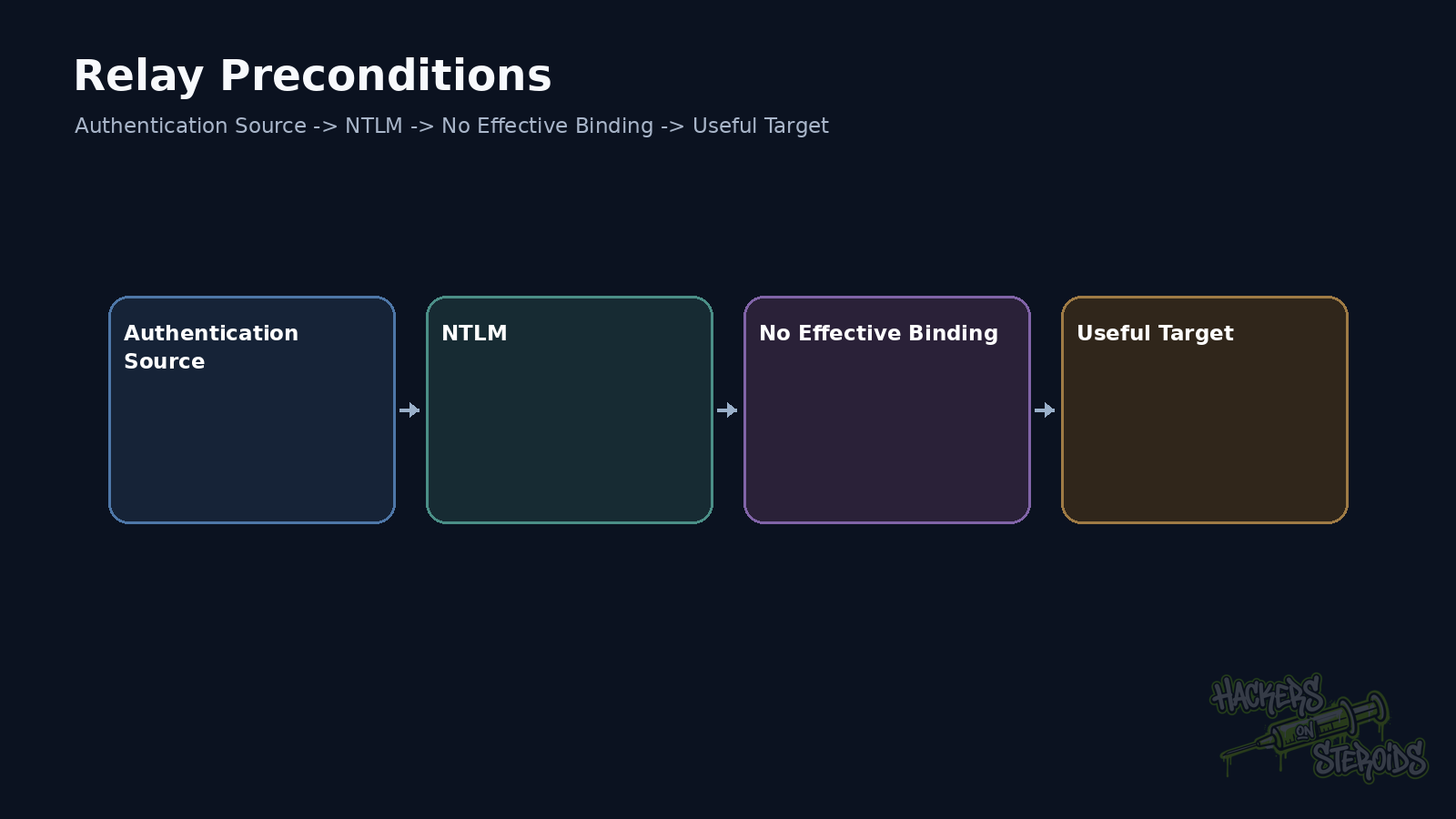
Relay needs an authentication source and a target.
The source may be a normal authentication induced by an application flow.
It may also come from coerced authentication, LLMNR, WPAD, or another mechanism depending on the environment.
The target may be SMB, LDAP or LDAPS. HTTP and other NTLM-capable services also belong in the analysis.
Impact changes with the destination protocol.
SMB signing changes viability
SMB signing adds integrity to messages using material from the session.
When the server requires signing, an attacker cannot simply reuse authentication to build a valid SMB session as if it were the original client.
That is why I enumerate which hosts require signing.
With NetExec:
1
nxc smb 10.10.10.0/24 --gen-relay-list relay.txt
The result is a starting point.
Modern Windows versions have strengthened SMB signing defaults. Windows 11 24H2 Enterprise, Pro, and Education require inbound and outbound signing by default. Windows Server 2025 also strengthened signing defaults.
That removes many old relay paths, but mixed environments remain common.
LDAP has different protections
LDAP relay requires attention to LDAP signing.
When signing is enforced, binds that do not request the required protection are rejected.
LDAPS adds TLS.
TLS by itself does not eliminate every relay scenario.
LDAP channel binding uses Channel Binding Tokens to bind application authentication to the TLS channel.
That matters when NTLM is used over LDAPS.
Signing, channel binding, and correct configuration close paths that were historically exploitable.
HTTP needs its own analysis
HTTP services may accept Windows Integrated Authentication.
Extended Protection for Authentication, EPA, matters here.
EPA helps bind authentication to the expected channel and service.
Legacy applications may not use it.
Administrative endpoints, AD CS Web Enrollment, and old enterprise products deserve attention because many have lived on IIS for years.
HTTPS alone does not prove relay is solved.
Authentication configuration still decides that.
A lab with ntlmrelayx
Assume an SMB target does not require signing.
Relay can be prepared like this:
1
2
3
impacket-ntlmrelayx \
  -tf relay.txt \
  -smb2support
The attacker still needs an NTLM authentication to reach the listener.
If an identity with administrative rights authenticates and the target accepts relay, the tool can perform actions supported by its modules and the destination protocol.
The command does not create privilege.
It uses the privilege of the identity that arrived.
Relay to LDAP changes the impact model
Against LDAP, the result depends on the permissions of the authenticated principal.
A computer account may have different rights from a user.
A privileged identity may modify objects that another account cannot.
That is why coerced authentication from one specific server can be valuable.
The source protocol is only half the problem.
ACLs at the destination decide what the relayed identity can do after the bind.
Machine authentication matters
Domain computers have their own accounts ending in $.
Those accounts have credentials and rights.
A server authenticating with NTLM may represent SERVER01$.
If that identity holds useful permissions in AD or on another host, relay can turn machine authentication into directory modification.
Thinking only about users hides those paths.
Coercion and relay are separate techniques
PetitPotam, PrinterBug, DFSCoerce, and similar techniques induce a system to authenticate.
They solve the source side.
Relay solves forwarding to the destination.
Keeping those concepts separate makes troubleshooting easier.
If coercion works and relay fails, inspect the destination protection.
If the relay listener is ready but no authentication arrives, inspect the source.
How I test without relaying everything
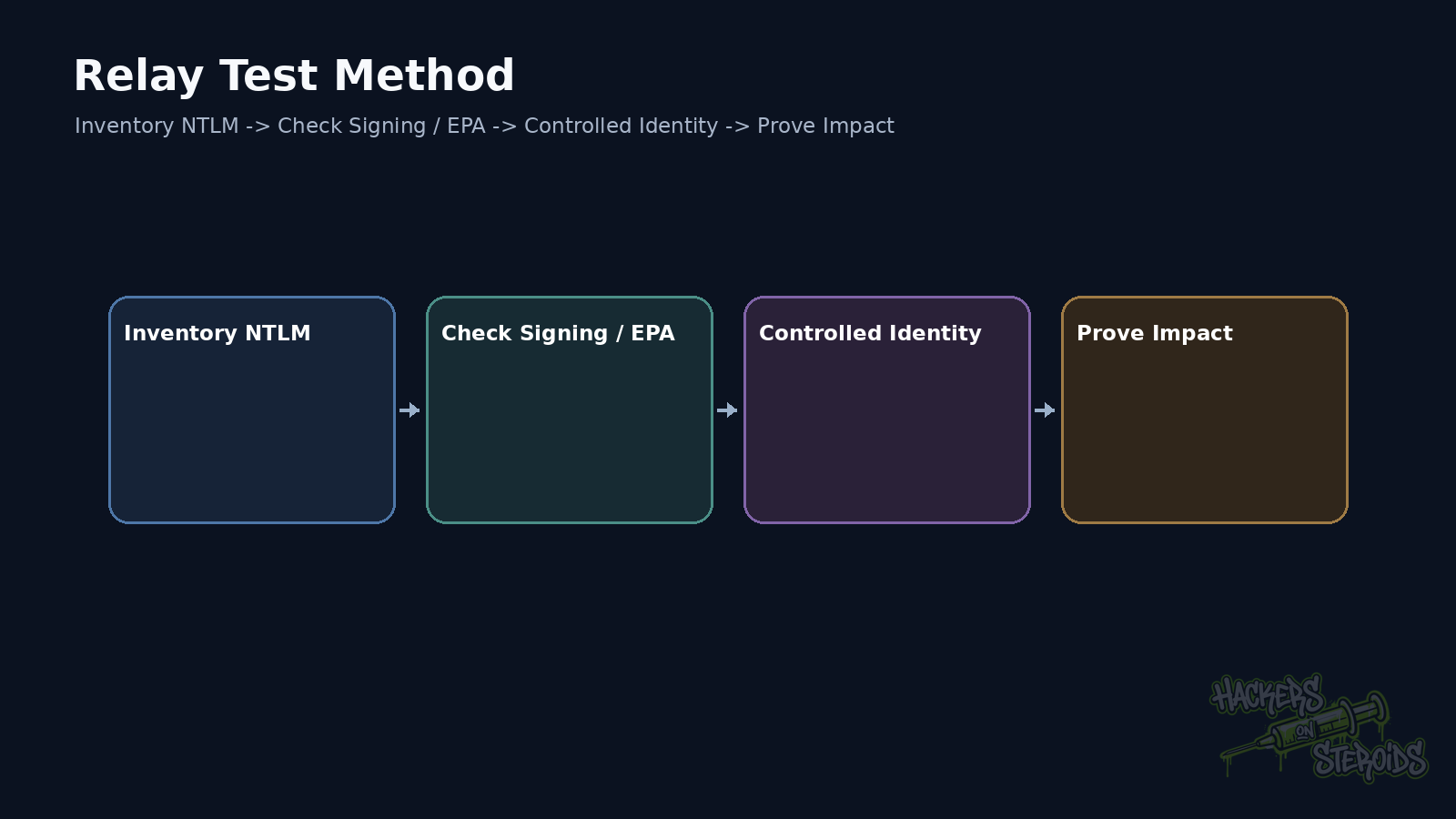
I inventory services that accept NTLM first.
Then I check signing, channel binding, and EPA according to the protocol.
Only then do I choose a target with clear impact.
I validate the behavior with a controlled identity.
After that I test the authorized attack chain.
This is much cleaner than opening listeners and waiting for arbitrary authentication without knowing what to do with it.
Remediation
Require SMB signing where the environment supports it.
Configure LDAP signing and channel binding according to the architecture.
HTTP services using Windows Authentication should evaluate EPA.
Reduce NTLM over time where Kerberos or another stronger mechanism is available.
Fix coercible authentication sources too.
If a protocol can force a machine to authenticate to arbitrary destinations, removing one relay target still leaves room for others.
The three questions that define relay
Who can I make authenticate?
Where can I forward that authentication?
What can that identity do at the destination?
If all three answers line up, there is a path.
Reflection and relay look similar, but the destination changes
Reflection attempts to send authentication back toward the same originating system in a useful form.
Relay forwards authentication to another service or context.
Windows has long-standing protections against several reflection patterns.
Those protections do not eliminate relay toward different targets.
During analysis I record source and destination explicitly so the two classes do not get mixed together.
Target lists need to be protocol-specific
A host may require SMB signing while still exposing another service that accepts NTLM.
Another host may have protected LDAP and a legacy HTTP endpoint without EPA.
signing=False on SMB should therefore not become shorthand for “everything on this host is relayable.”
I build target lists per service.
SMB receives one assessment.
LDAP and LDAPS receive another.
HTTP receives another.
That produces a much more reliable path.
Relay has little value when the identity cannot perform a useful action
Receiving NTLM from an account is only half the finding.
If that account cannot do anything relevant on the target, relay may be technically valid but operationally weak.
I always prove authorization after authentication.
That distinction prevents reports from treating every NTLM capture as automatic compromise.
References
Microsoft Learn, NTLM overview.
Microsoft Learn, SMB signing overview.
Microsoft Learn, LDAP signing for Active Directory Domain Services.
Fortra Impacket, ntlmrelayx.