
Linux Privilege Escalation Beyond sudo -l
Linux privilege escalation past sudo -l: SUID binaries, capabilities, cron jobs, systemd units, group membership and the Docker socket.
Running sudo -l is a good start. Stopping there makes you miss half the machine.
Linux privilege escalation usually appears in the gap between what a process should be able to do and what it can actually do.
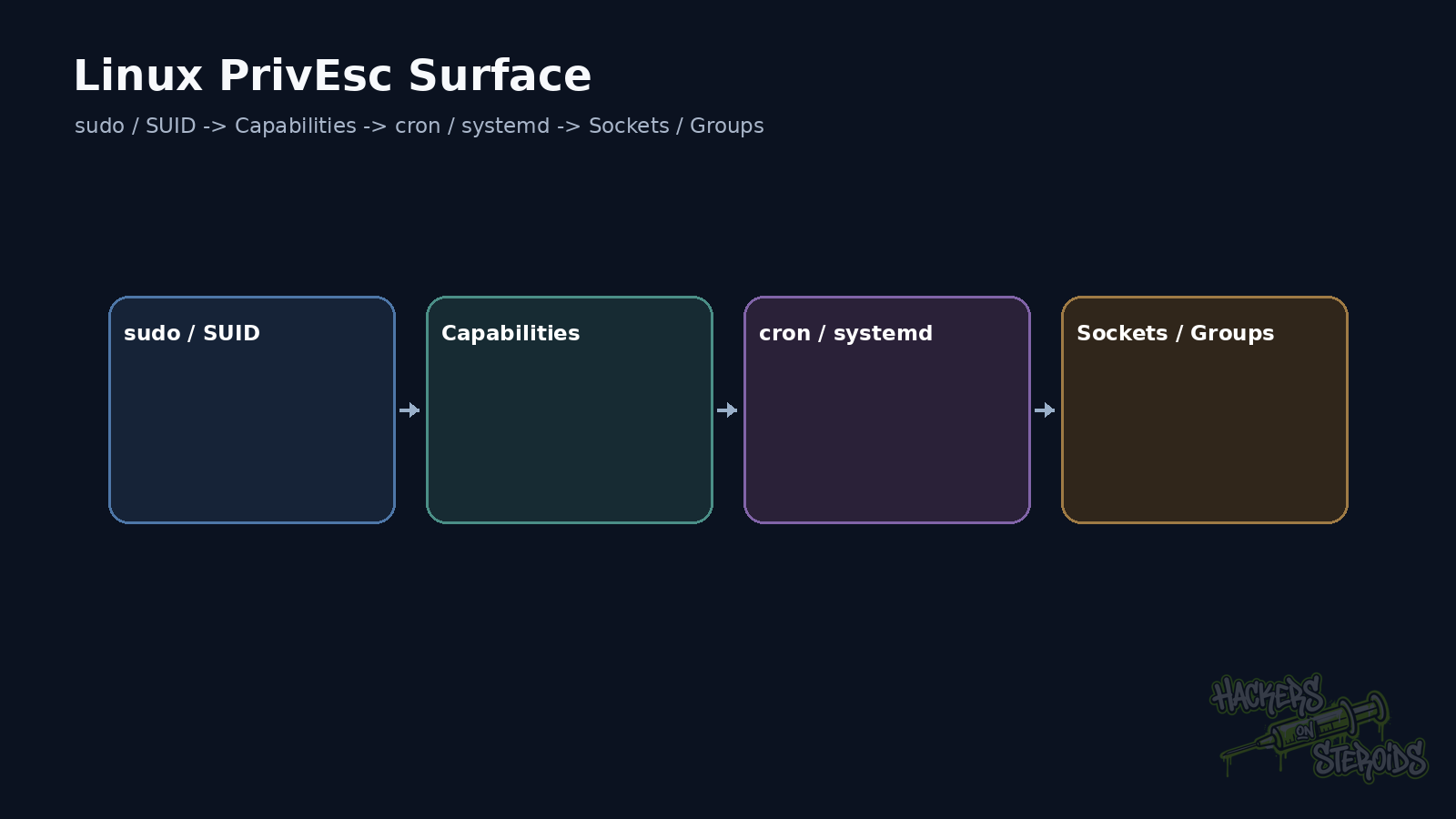
That gap may come from sudo, SUID or capabilities. Cron, systemd and groups create other paths. Sockets, credentials, mounts and file permissions matter too. So do services running in a stronger security context.
The examples below assume a lab or an authorized penetration test.
Start with context
Before looking for an exploit, I answer four questions.
Who am I?
Which groups am I in?
Which kernel and distribution are running?
Which interesting paths can I read or modify?
Basic commands already reveal a lot:
1
2
3
4
id
whoami
uname -a
cat /etc/os-release
Then I look at processes:
1
ps auxww
Sockets:
1
ss -lntup
Mounts:
1
findmnt
And readable files in sensitive locations:
1
2
find /etc /opt /srv /var/www -maxdepth 3 \
  -type f -readable 2>/dev/null
The goal is to build context before launching automated enumeration.
sudo -l is still mandatory
Run:
1
sudo -l
Look for allowed commands, argument restrictions, and preserved environment variables.
An innocent-looking binary may support a shell escape.
An allowed script may import a writable file.
A wildcard may interpret attacker-controlled input as an argument.
NOPASSWD lowers the barrier significantly.
GTFOBins helps recall useful behavior in common binaries, but the actual sudo rule still determines whether the path works.
SUID deserves careful reading
A SUID file runs with the effective UID of its owner.
When the owner is root, that can expose privileged operations to ordinary users.
Enumeration:
1
find / -perm -4000 -type f 2>/dev/null
The presence of SUID alone does not prove a vulnerability.
passwd uses SUID legitimately.
The problem appears when a SUID program executes commands unsafely, trusts a controllable PATH, loads libraries dangerously, or exposes functionality that can escape into a shell.
Capabilities break the simple root model
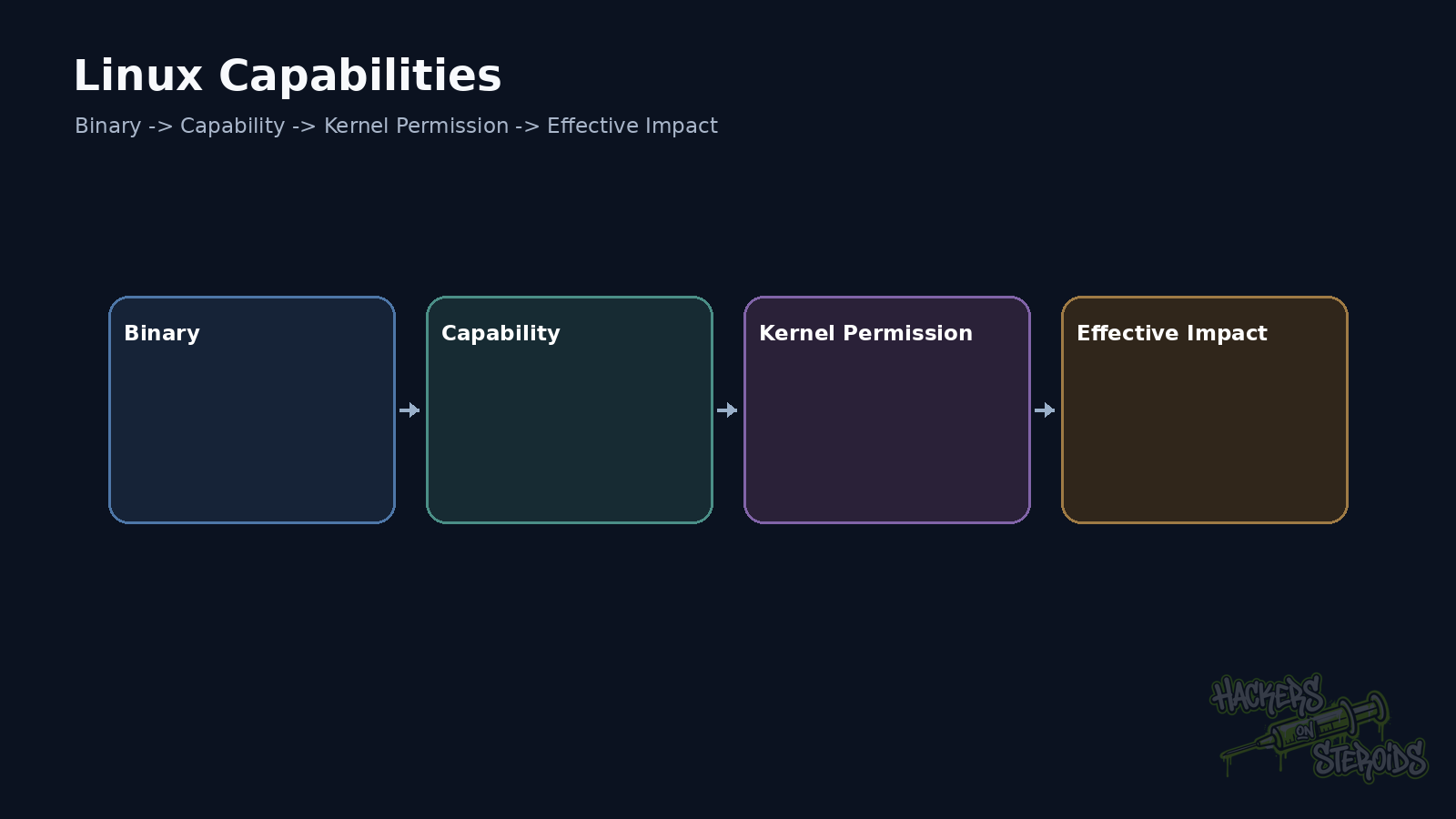
Since Linux 2.2, privileges traditionally concentrated in root can be split into capabilities.
Enumeration:
1
getcap -r / 2>/dev/null
Some capabilities deserve immediate attention.
CAP_SETUID may allow UID changes.
CAP_DAC_OVERRIDE can bypass file permission checks.
CAP_SYS_ADMIN is extremely broad.
CAP_SYS_PTRACE can expose other processes.
Risk depends on the binary receiving the capability.
Python with cap_setuid+ep creates a very different scenario from a small purpose-built utility.
Lab example:
1
/usr/bin/python3 -c 'import os; os.setuid(0); os.system("/bin/sh")'
That only works when the process has enough capability for the operation.
Cron turns writable files into future execution
Scheduled tasks running as root deserve inspection.
Check:
1
2
cat /etc/crontab
ls -la /etc/cron.d /etc/cron.hourly /etc/cron.daily
Then follow the scripts.
If root runs:
1
/opt/backup/run.sh
and your user can edit that file, the path is almost complete.
Inspect directories used by the script too.
The main file may be root-only while an imported module, loaded config, or PATH-resolved command remains writable.
systemd creates similar paths
List interesting services:
1
systemctl list-units --type=service --all
Inspect the unit:
1
systemctl cat backup.service
Look at ExecStart, EnvironmentFile, helper scripts, and writable directories.
A root service executing a script under /opt/tools/ becomes risky if that script or one of its dependencies can be changed.
Another common case is a user allowed to start or restart one specific service through sudo.
If that user controls the executable started by the service, the restart becomes the trigger.
Groups matter more than they look
id shows group membership.
Some groups deserve immediate attention.
docker can be equivalent to root access in many setups because the daemon usually runs as root.
lxd can also expose strong paths.
Backup, disk, or libvirt groups may provide access that crosses the normal user boundary.
Do not memorize “group X always means root.”
Look at the resource that group controls on this machine.
The Docker socket is a major trust boundary
Check:
1
ls -l /var/run/docker.sock
If your user can talk to the Docker daemon, the next question is what that daemon allows you to create.
In a lab, a container with the host filesystem mounted can demonstrate the impact:
1
2
3
docker run --rm -it \
  -v /:/host \
  alpine chroot /host /bin/sh
The exact result depends on daemon and policy configuration.
The core issue is control over a privileged service.
Forgotten credentials solve many machines
Privilege escalation does not always need a local vulnerability.
Look at application configs, scripts, history files, and backups.
Useful locations often include:
1
2
3
4
5
6
/var/www/
/opt/
/srv/
/home/*/.config/
/home/*/.ssh/
/etc/systemd/system/
A local database may hold a reused password.
An .env file may expose another user’s credential.
A backup script may contain a root password in clear text.
A pentester who only searches for SUID misses these routes.
A writable path needs a consumer
Finding a writable file is only the beginning.
Ask who executes it.
Ask when it runs.
Ask which UID runs it.
Ask which input it consumes.
Ask which modules it imports.
Ask which working directory it assumes.
The attack path appears when a low-privileged user controls something that a high-privileged process later interprets.
Kernel exploits belong near the end
An old kernel deserves investigation.
I do not start there.
Kernel exploitation can crash the host, corrupt state, and make the test more invasive.
In a pentest, I exhaust configuration, credential, and trust-boundary issues first.
If the kernel remains the required route, I validate exact version, vendor patch status, and preconditions before execution.
Automation helps, but read the result
LinPEAS, LinEnum, and similar tools accelerate collection.
They also produce a lot of noise.
I use automation to find clues.
Then I return to the host and validate each relationship manually.
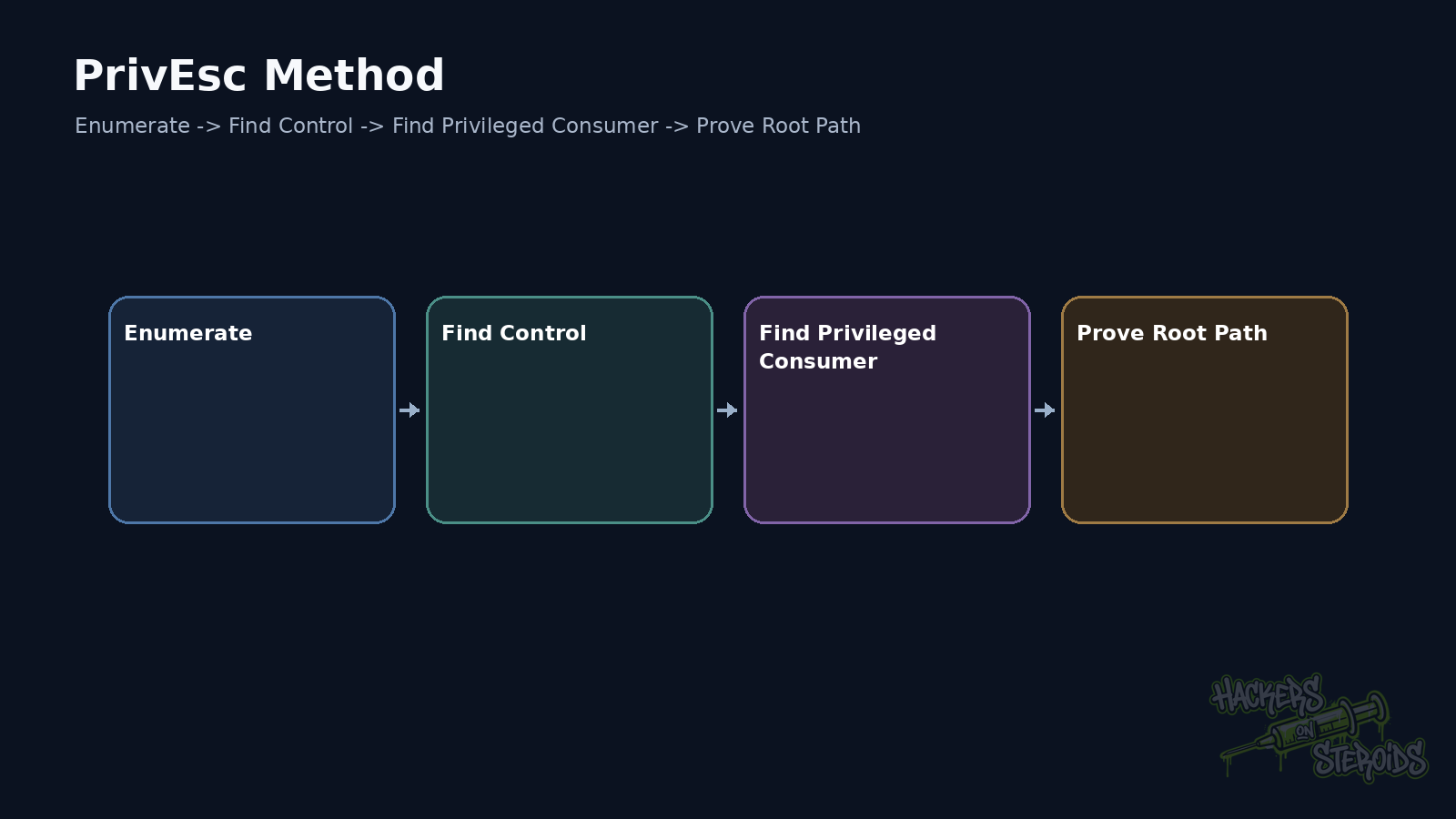
A convincing path should fit into a short chain:
1
2
3
4
5
6
7
8
9
10
low-privileged user
   |
   v
controllable file or resource
   |
   v
privileged process consumes it
   |
   v
execution as root
The pattern that keeps repeating
Most local privilege escalation can be described as control over input that crosses into a privileged context.
That input may be a sudo argument.
It may be a cron script.
It may be a capability.
It may be a socket.
It may be a unit file.
It may be a credential.
Once you start looking for that relationship, sudo -l remains useful. It simply stops being the whole map.
References
Linux man-pages, capabilities(7).
GTFOBins, GTFOBins.
systemd, systemd.service manual.