
SSRF to Cloud Metadata: Reaching IMDS Through One Request
How a user controlled URL reaches cloud metadata, why IMDSv1 and IMDSv2 change the test, and how to prove impact without breaking the target.
A user-controlled URL can make a server talk to services that were never meant to be exposed to that user.
SSRF, Server-Side Request Forgery, appears when an application sends a request from the server to a destination influenced by the client.
The detail that changes the impact is where that request originates.
If the backend runs inside a cloud VM, it can reach resources the attacker’s browser cannot. Metadata services are part of that surface.
The examples below assume a lab or an authorized penetration test.
The bug often starts small
Consider an avatar import feature:
1
2
3
4
5
6
7
POST /api/avatar/import HTTP/1.1
Host: app.lab.local
Content-Type: application/json

{
  "url": "https://cdn.example.net/avatar.png"
}
The backend receives the URL.
Then it downloads the file.
If any destination is accepted, the user now controls a request originating inside the infrastructure.
Replace the external destination with:
1
http://127.0.0.1:8080/admin
The server is now talking to itself.
Use a private IP and the same function may reach another internal service.
That change of origin is the core of SSRF.
Cloud metadata raises the impact
On AWS EC2, the Instance Metadata Service is available locally to the instance.
The traditional IPv4 endpoint is:
1
169.254.169.254
The application does not need internet access to reach it.
It talks to a local cloud platform service.
Metadata can expose information about the instance. Depending on configuration and the attached role, it can also provide temporary credentials used by workloads.
An SSRF with enough capability can turn a web flaw into access to the application’s cloud identity.
IMDSv1 and IMDSv2 change the test
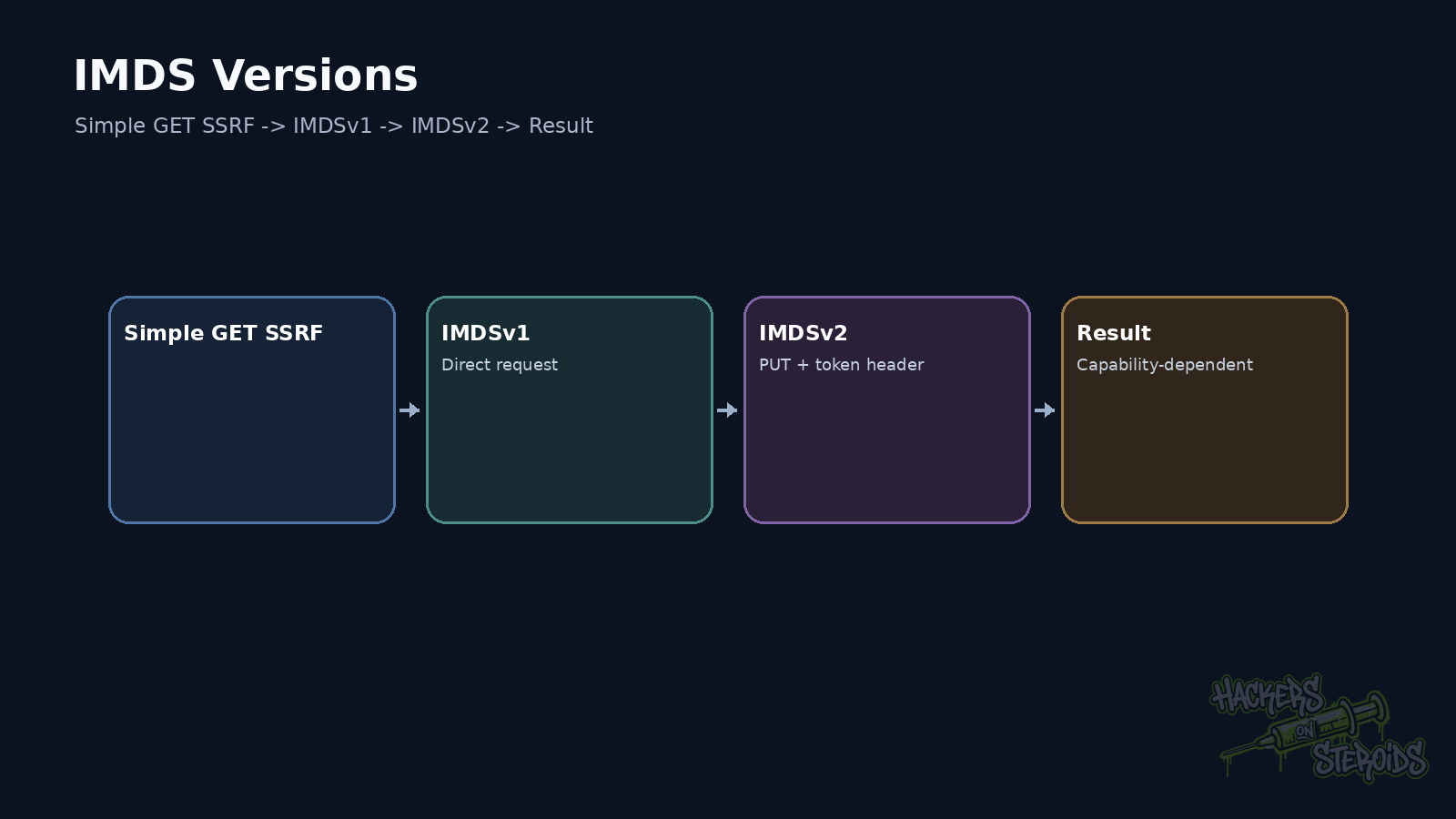
IMDSv1 follows a simple request and response model.
That works well with SSRFs limited to a GET.
IMDSv2 adds a session token.
The client first performs a PUT to obtain a token.
Then that token is sent in a header with later requests.
A legitimate request from inside the instance looks like this:
1
2
3
4
5
6
7
8
TOKEN=$(curl -sS \
  -X PUT \
  -H "X-aws-ec2-metadata-token-ttl-seconds: 21600" \
  http://169.254.169.254/latest/api/token)

curl -sS \
  -H "X-aws-ec2-metadata-token: $TOKEN" \
  http://169.254.169.254/latest/meta-data/
That creates a barrier against many simple SSRFs.
If the vulnerability only supports GET and gives no header control, mandatory IMDSv2 can break the classic path.
If the SSRF supports arbitrary methods and headers, the analysis changes.
Start with a small proof
I avoid requesting credentials first.
I start by proving that the backend can reach a controlled destination.
An HTTP server controlled by the pentester is enough.
If the request arrives from the backend’s address, there is a server-side origin.
Then I test loopback.
Then private networks.
Metadata comes later.
This order makes each discovered capability obvious.
It also separates a real SSRF from browser redirects or client-side JavaScript requests.
DNS is useful for blind SSRF
Some SSRFs never return the fetched response to the user.
The application may trigger a request and return only:
1
{"status":"queued"}
Interaction can still be proven.
A controlled domain can record DNS resolution or an HTTP connection.
Example:
1
https://a1b2c3.attacker-lab.example/trace
If the authoritative DNS server receives the query or the web server receives the request, the backend attempted to resolve or reach that destination.
That becomes the foundation for Blind SSRF testing.
Redirects can change the final destination
Filters often validate only the first URL.
The application accepts:
1
https://safe.example.net/redirect
That endpoint responds:
1
2
HTTP/1.1 302 Found
Location: http://169.254.169.254/latest/meta-data/
If the backend HTTP client follows redirects without validating the new target, the allowlist loses its value.
The same reasoning applies to protocol changes and DNS resolution.
Validation has to follow the actual connection target.
DNS resolution matters too
Blocking strings such as 127.0.0.1 or 169.254.169.254 covers very little.
A hostname can resolve to a private address.
It may have multiple records.
Resolution may change between validation and connection.
IPv6 introduces more representations.
URL libraries also normalize input differently.
That is why SSRF often becomes a parser, DNS, and network problem at the same time.
What I look for in metadata
During an authorized test, the goal is to prove impact while exposing as little data as possible.
Instance information may already prove metadata access.
If the attached role exposes temporary credentials, their presence increases impact.
There is no reason to enumerate every AWS service immediately.
First identify the exposed identity.
Then evaluate what permissions that identity has.
A role with read-only access to one specific bucket has one level of impact.
A role with broad IAM permissions has a very different one.
SSRF opens the door.
The role policy determines how far that door leads.
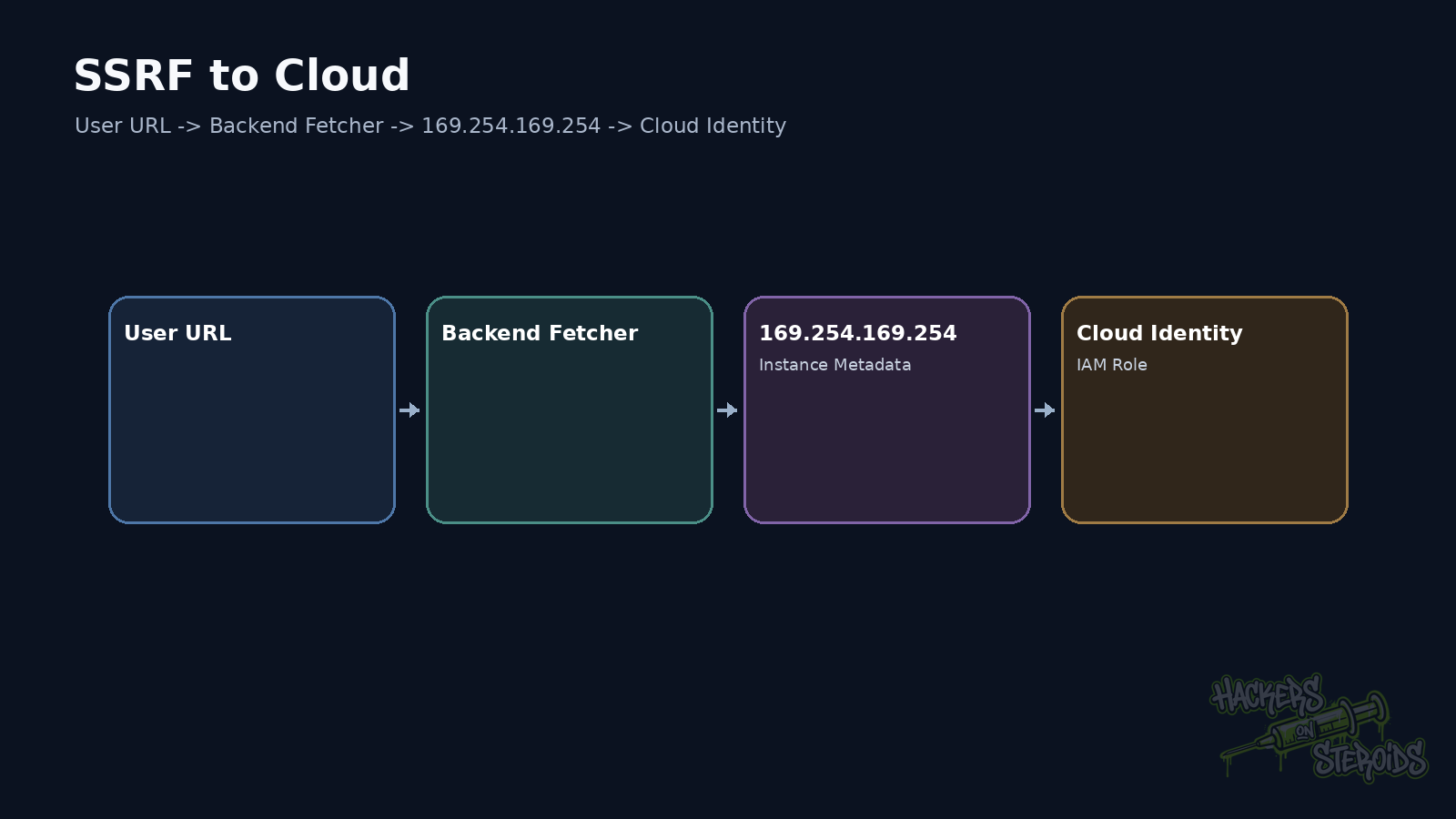
A realistic attack path
Consider a URL preview application.
It runs on EC2.
The endpoint accepts any http:// or https:// destination.
IMDSv1 remains enabled.
The instance has an IAM Role that can read objects from a bucket.
The path is:
1
2
3
4
5
6
7
8
9
10
11
12
13
controlled URL
      |
      v
backend performs GET
      |
      v
169.254.169.254
      |
      v
temporary role credentials
      |
      v
IAM permissions
The web weakness and cloud configuration combine.
Neither should be analyzed alone.
Fix the fetcher first
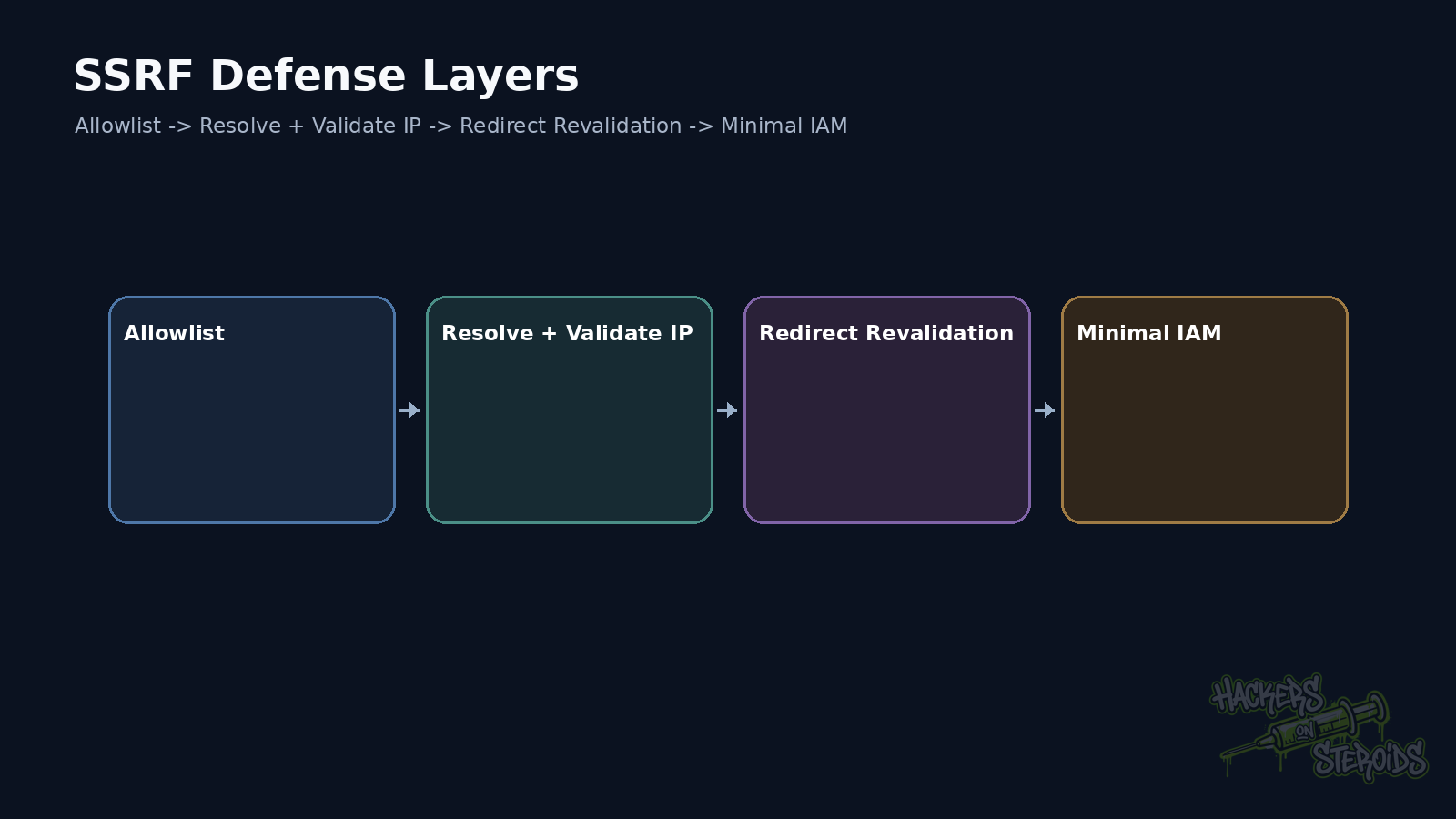
If the application only needs to download images from three domains, allow only those domains.
Resolve the hostname.
Validate the resulting IP address.
Block loopback, link-local, private networks, and other internal ranges when the feature does not need them.
Repeat validation after redirects.
Limit protocols.
Control ports.
Set timeouts and maximum response sizes.
On AWS, require IMDSv2 when the workload needs metadata.
Reduce hop limits when the architecture allows it.
Review IAM Role permissions too.
SSRF loses a large part of its impact when the workload identity has minimal permissions.
Think in terms of reach
The central SSRF question is:
What can this server reach on my behalf?
Sometimes the answer is only another public host.
Sometimes it is localhost.
Sometimes it is the internal network.
In cloud environments, it may be the workload’s own identity.
That reach is what turns a vulnerable URL field into an infrastructure path.
References
AWS, Use instance metadata to manage your EC2 instance.
AWS, Use the Instance Metadata Service to access instance metadata.
OWASP Cheat Sheet Series, Server Side Request Forgery Prevention.