
Active Directory ACL Abuse: From Permission to Domain Admin
How Active Directory ACL abuse works: GenericAll, GenericWrite, WriteDACL and WriteOwner, how to find the path in BloodHound and how to validate it.
One misplaced permission can turn an ordinary account into a path toward Domain Admin.
This shows up often in environments that have grown for years. A group received temporary access. A user was delegated to manage another team. A service needed to change one attribute. The original need disappeared and the permission stayed.
In Active Directory, those permissions live inside object security descriptors. That is where an account can gain control over users, groups, computers and OUs. It can even reach the domain itself.
The examples below assume a lab or an authorized penetration test.
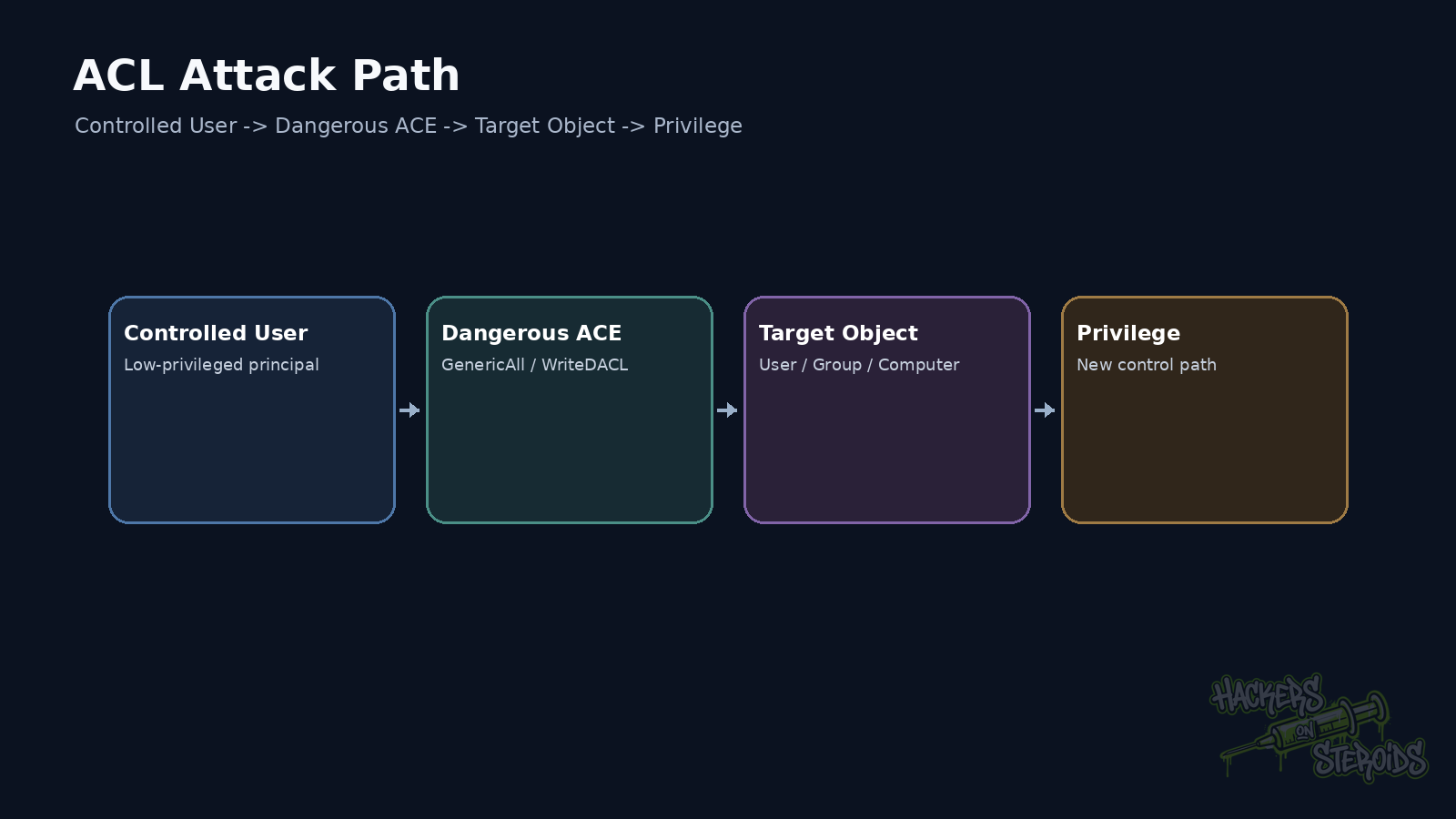
Start with the object, not the exploit
Every securable Windows object has a security descriptor. Inside it sits a DACL, the Discretionary Access Control List.
The DACL contains ACEs, or Access Control Entries. Each ACE associates a security principal with a permission. That principal can be a user, group, computer, or another SID recognized by the domain.
The practical question is simple:
Who can do what to this object?
One account may be allowed to reset a user’s password. Another may add members to a group. Another may modify the DACL itself.
Those situations look different. From an attacker’s perspective, each one represents control.
That is why tools such as BloodHound model ACLs as graph edges. The account gabriel may administer nothing directly. If it has GenericAll over a group that controls a sensitive OU, the real privilege path goes through that relationship.
The permissions that matter most in attack paths
GenericAll is the easiest to interpret. It grants broad control over an object.
Against a user, that may allow password changes, attribute manipulation, and other actions supported by the object. Against a group, it may allow membership changes. The exact effect changes with the object class and any protections in place.
GenericWrite is narrower but still dangerous. It allows writes to properties the principal is permitted to modify.
WriteDACL allows changes to the object’s DACL. A principal with this right can often grant itself another useful permission.
WriteOwner allows ownership to be changed. Owners receive specific rights over the security descriptor, which can open a path toward DACL manipulation.
There are also object-specific rights. AddMember is much narrower than GenericAll, but if the target is a privileged group, the impact can still be serious.
Looking only at the permission name is a common mistake. The target object and the next reachable relationship matter more.
Finding relationships that actually matter
Reading ACLs manually works in a small environment. In a corporate forest, the signal disappears into noise fast.
BloodHound helps by turning AD relationships into navigable paths. Collection can be performed with different collectors depending on scope and environment.
One example with bloodhound-python:
1
2
3
4
5
6
bloodhound-python \
  -u 'gabriel' \
  -p 'Password123!' \
  -d lab.local \
  -ns 10.10.10.10 \
  -c All
After ingestion, the useful question becomes which edges leave the principal you control.
A GenericAll edge toward a user deserves attention.
A WriteDACL edge toward a privileged group deserves even more.
A path with three or four edges may look convincing in the graph, but every step still needs validation. The graph gives you a hypothesis. The pentester has to prove that the relationship works in the live environment.
Example 1: GenericAll over a user
Assume gabriel has GenericAll over svc_backup.
One possible action is resetting that account’s password, provided that no additional protection blocks the operation.
A lab test with bloodyAD may look like this:
1
2
3
4
5
6
bloodyAD \
  --host dc01.lab.local \
  -d lab.local \
  -u gabriel \
  -p 'Password123!' \
  set password svc_backup 'TempPass2026!'
If svc_backup already has privileged access somewhere else, the ACL has moved beyond a configuration issue. It has become a privilege path.
The target account’s effective access decides the real impact.
Example 2: control over a group
Now consider a group named Server Operators Lab.
If gabriel can change its membership, a controlled account can be added and inherit whatever access the group already has.
In a lab:
1
2
3
4
5
6
bloodyAD \
  --host dc01.lab.local \
  -d lab.local \
  -u gabriel \
  -p 'Password123!' \
  add groupMember 'Server Operators Lab' gabriel
The access token may need to be renewed afterward. An existing session does not automatically receive every new group membership.
This detail trips up people who are new to AD testing. The directory may have accepted the change while the current shell still carries an older token.
Example 3: WriteDACL as a second-order permission
WriteDACL is interesting because it lets you change who has access to the object.
Think about a user who cannot directly reset a sensitive account’s password. If that user has WriteDACL over the account, it may be possible to add an ACE that grants a useful right and then perform the desired action.
The path looks like this:
1
2
3
4
5
6
7
8
9
10
11
12
gabriel
   |
   | WriteDACL
   v
svc_sensitive
   |
   | new ACE
   v
additional right
   |
   v
action on the object
This is why ACL abuse requires step-by-step reasoning.
The initial permission may not provide immediate access. It provides the ability to create the next permission.
WriteOwner follows a similar chain
If an account can take ownership of an object, it moves into a special position in the Windows access control model.
The owner has specific rights over the security descriptor. In an attack path, that can make later DACL manipulation possible.
A typical sequence looks like this:
1
2
3
4
5
6
7
8
9
10
WriteOwner
    |
    v
take ownership
    |
    v
modify DACL
    |
    v
gain a useful right
Ownership and permission are separate concepts, but they connect.
What BloodHound shows and what it cannot prove by itself
BloodHound is excellent at finding relationships.
It can also mislead people who treat every edge as guaranteed exploitation.
Additional protections may block an action. The object may have changed since collection. The credential used during validation may have a different context. The current session may carry an old token. An inherited ACE may behave differently from what the graph first suggested.
Treat every edge as a control hypothesis.
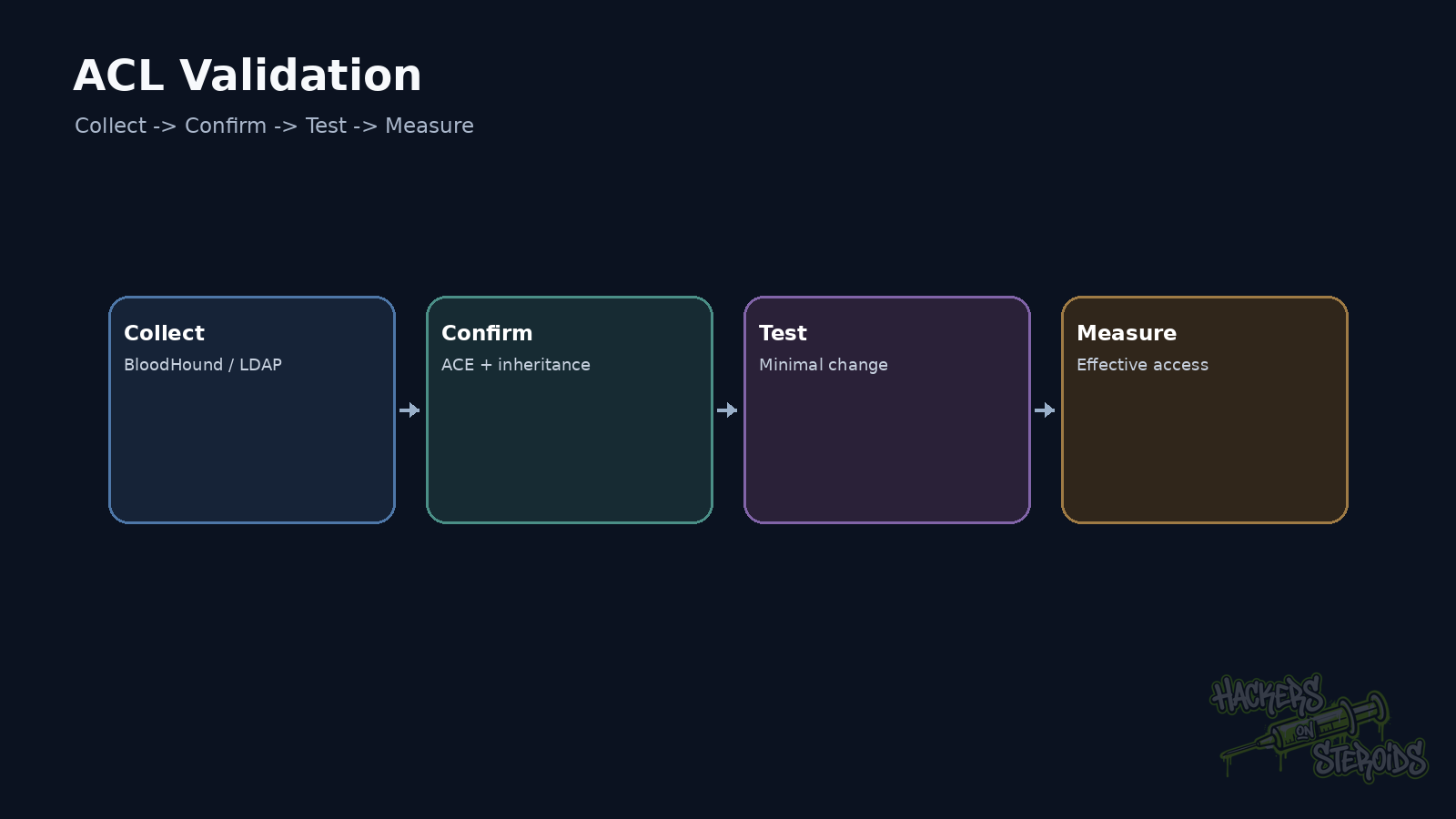
Collect the data.
Validate the relationship.
Perform only the action needed to prove the path.
Then confirm the effect.
That workflow prevents a lot of time being wasted on a graph path that breaks at the first real operation.
Inherited ACLs make the picture harder
Active Directory uses inheritance throughout the directory tree.
An ACE applied to an OU can reach child objects. Depending on its flags, it may apply only to certain object classes or inherit in a specific way.
That explains why a dangerous permission can exist even though nobody changed the target user directly.
The source may sit several levels above it.
When an unexpected edge appears, trace where it came from. Fixing only the final object can leave the original cause in place.
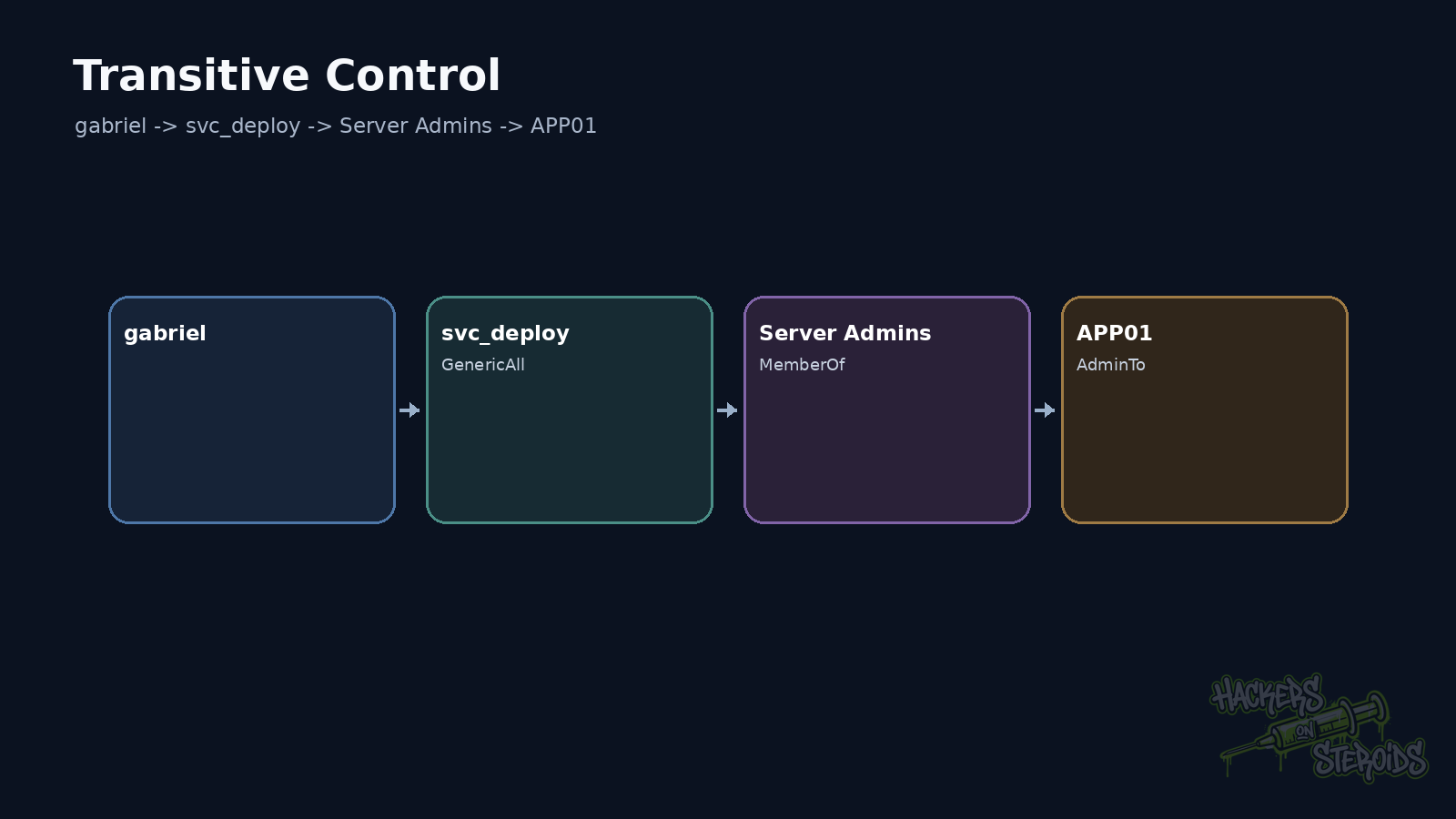
Impact lives in the chain
Consider this path:
1
2
3
4
5
6
7
8
9
10
11
12
13
helpdesk_user
    |
    | GenericAll
    v
svc_deploy
    |
    | member of
    v
Deployment Admins
    |
    | controls
    v
Workstations OU
By itself, helpdesk_user looks ordinary.
svc_deploy may also look unimportant.
Deployment Admins may not even be a default Windows group.
The full path tells a different story.
That distinction separates enumeration from attack path analysis.
How I validate an ACL during a pentest
I confirm the relationship in the directory first.
Then I check whether the permission is direct or inherited.
Next I look at the target object and what it controls.
Only then do I choose the smallest action required to prove impact.
If a group membership change already demonstrates privilege, there is no reason to start rewriting several ACLs.
If a service account already grants access to the intended system, there is no reason to expand the test across the entire domain.
A good ACL finding makes the path, the required condition, and the impact obvious.
Where organizations usually get this wrong
The problem usually starts with accumulated delegation.
Support teams receive broad access during an incident. Applications get more permissions than they need. Old groups remain in place. Migrations preserve ACEs that nobody remembers.
The result is a directory where an account’s real privilege does not show up in its group list.
It shows up in the control graph.
Reviewing only Domain Admins, Enterprise Admins, and similar groups covers only part of the surface.
Fix the path itself
Removing BloodHound changes no ACE.
The fix starts with excessive rights.
Review delegation. Remove obsolete groups. Reduce GenericAll, GenericWrite, WriteDACL, and WriteOwner where there is no clear requirement. Document the exceptions.
Then collect the graph again.
If the path disappears and the offensive operation stops working, the change addressed the cause.
ACL abuse becomes much easier to reason about once permissions are treated as control relationships between objects.
References
Microsoft Learn, Access Control Lists.
Microsoft Learn, Control Access Rights in Active Directory Domain Services.
Microsoft Open Specifications, MS-ADTS: Checking Simple Access.
SpecterOps, BloodHound documentation.