
AWS IAM for Pentesters: AssumeRole and PassRole Paths
AWS IAM for pentesters: reading policies as relationships, sts:AssumeRole and iam:PassRole paths, permissions boundaries and resource policies.
In AWS, the most useful question is rarely “am I admin?”. A better question is “which combination of policies can move me into another identity or resource?”.
IAM decides who may perform which action, against which resource, under which conditions.
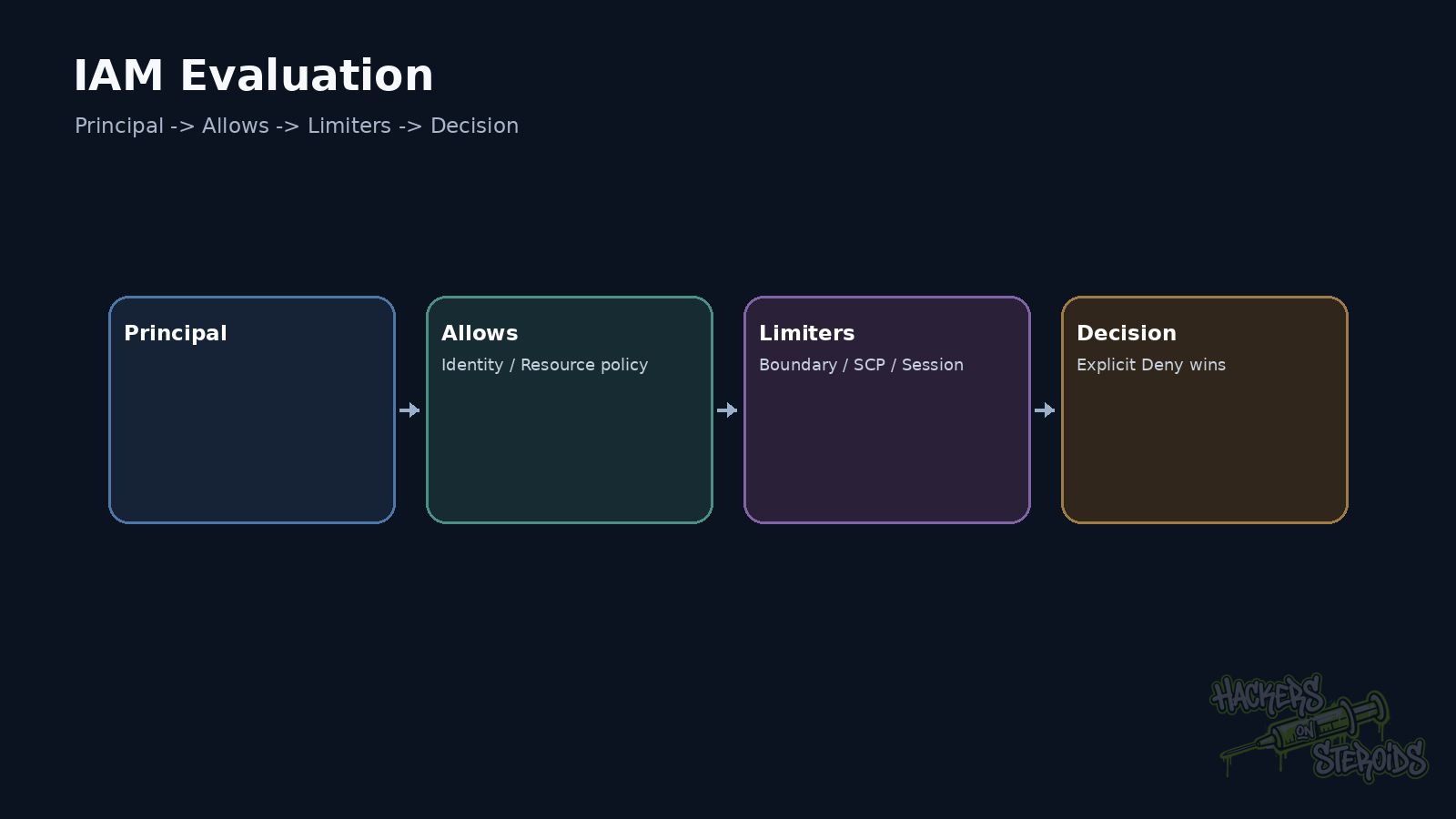
The final decision may involve identity policies, resource policies and permissions boundaries. Session policies, SCPs, RCPs and trust policies can also influence the result.
The model gets easier when you separate two things.
Who am I?
What can this identity reach?
The examples below assume a lab account or an authorized penetration test.
Identify the principal first
From the AWS CLI:
1
aws sts get-caller-identity
The response shows Account, Arn, and UserId.
Example:
1
2
3
4
5
{
  "UserId": "AROAXXXXX:session-123",
  "Account": "123456789012",
  "Arn": "arn:aws:sts::123456789012:assumed-role/AppRole/session-123"
}
That ARN already tells you a lot.
The current identity is a role session.
There is an IAM Role behind it.
A session policy may exist.
A trust relationship exists.
The credentials are probably temporary.
IAM starts from deny
AWS begins request evaluation with an implicit deny.
An applicable permission must allow the action.
Any applicable explicit Deny overrides an Allow.
The rule itself is simple.
The interaction between policy types creates the nuance.
An identity-based policy may grant an action.
A resource-based policy may grant access in many scenarios.
A permissions boundary limits the maximum delivered by identity policies.
An SCP limits principals inside an organization account.
A session policy may reduce an assumed session.
The pentester needs effective permissions.
Read policies as relationships, not JSON
Consider:
1
2
3
4
5
{
  "Effect": "Allow",
  "Action": "sts:AssumeRole",
  "Resource": "arn:aws:iam::123456789012:role/BackupAdmin"
}
That alone does not prove the role can be assumed.
BackupAdmin also has a trust policy.
The role needs to trust the calling principal unless another valid mechanism applies.
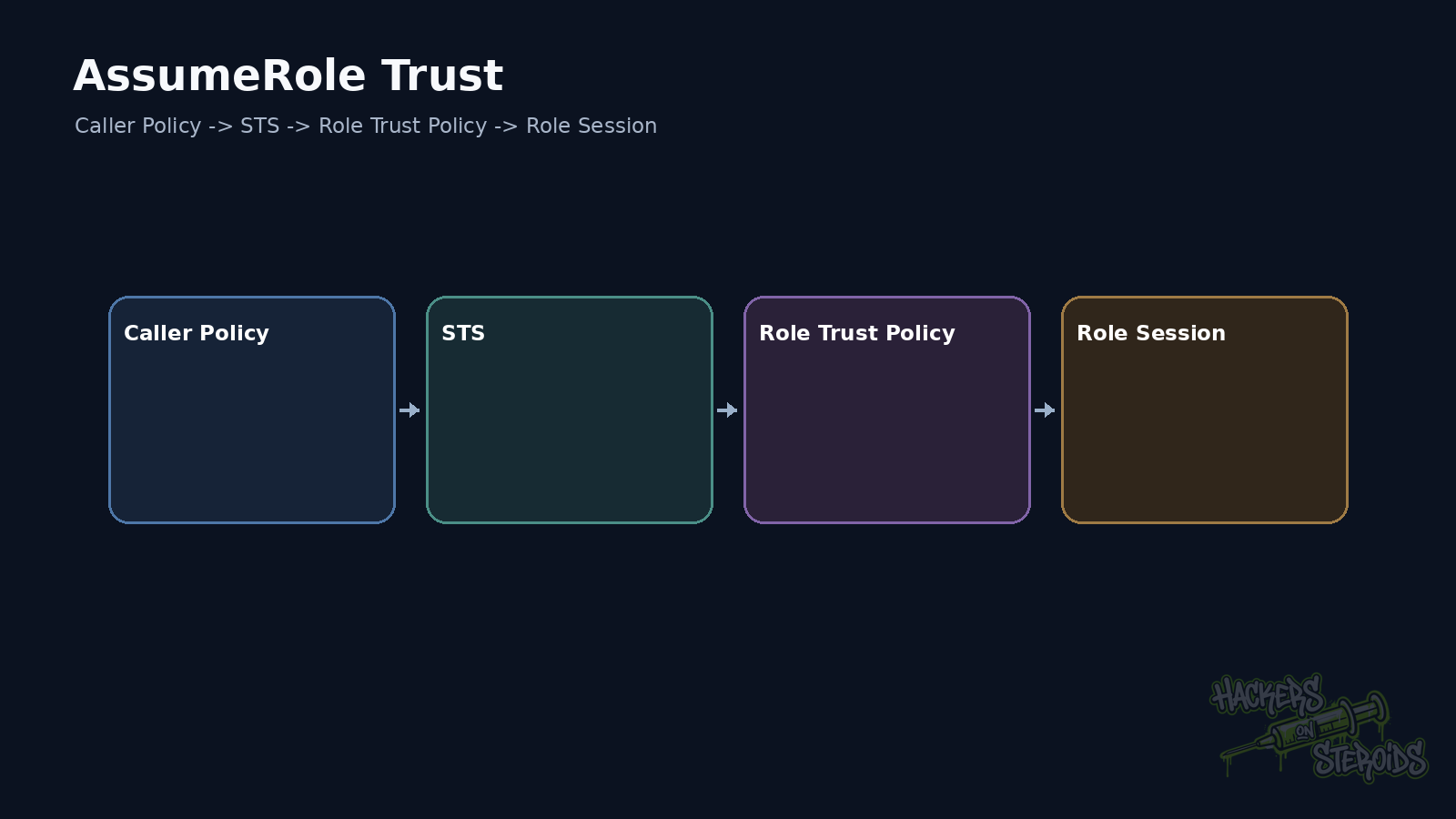
AssumeRole therefore has two sides.
The principal needs permission to call STS.
The role trust policy needs to accept that principal.
sts:AssumeRole changes your identity
When the operation succeeds, AWS STS returns temporary credentials.
You now operate as a role session.
Example:
1
2
3
aws sts assume-role \
  --role-arn arn:aws:iam::123456789012:role/BackupAdmin \
  --role-session-name pentest-lab
The response includes AccessKeyId, SecretAccessKey, SessionToken, and expiration.
Those values represent the new session.
Its effective privilege comes from the role plus every applicable limiting policy.
PassRole is different from AssumeRole
This distinction matters constantly.
iam:PassRole lets you pass a role to an AWS service that will use it.
You do not directly receive that role’s credentials.
Privilege escalation may still be possible indirectly.
If an identity can create a Lambda function and pass a stronger role to it, the service can execute actions under that role.
The same idea appears with EC2, ECS and Glue. SageMaker and other services can create similar paths.
PassRole becomes powerful when combined with an action that creates or modifies a resource capable of using the role.
Mutable policies deserve attention
Consider a role that cannot broadly administer IAM but can edit a policy attached to itself.
Or create a new version of a managed policy.
Or attach a policy to another role.
The result may be privilege escalation.
Many IAM actions sound administrative, but the offensive question stays consistent:
Can this action increase my effective permissions?
iam:CreatePolicyVersion.
iam:AttachUserPolicy.
iam:PutRolePolicy.
iam:AddUserToGroup.
iam:UpdateAssumeRolePolicy.
Each can be powerful in the right context.
Permissions Boundaries change conclusions
An identity policy may contain:
1
2
"Action": "*",
"Resource": "*"
If the role has a restrictive permissions boundary, that does not automatically mean full access.
The boundary sets a ceiling on permissions granted by identity policies.
An AWS Organizations SCP can also restrict the account.
During a pentest, I avoid concluding AdministratorAccess from one policy alone.
I inspect the limiters that also apply.
Resource policies create lateral access
S3 bucket policies.
KMS key policies.
SQS policies.
SNS policies.
Secrets Manager resource policies.
Those resources can trust principals from another account.
Cross-account access requires analysis on both sides.
The source account authorizes the principal to make the request.
The destination resource also needs to trust that principal according to the service’s policy model.
This creates paths that IAM-user-only scanners can miss.
Conditions matter
Consider:
1
2
3
4
5
"Condition": {
  "StringEquals": {
    "aws:PrincipalOrgID": "o-example"
  }
}
Or restrictions based on source IP.
MFA.
Tags.
VPC endpoints.
OIDC claims.
The action and resource may look broad.
The condition can change exploitability completely.
I never strip conditions from analysis just to simplify a finding.
Tags can become authorization
ABAC uses attributes such as tags to make access decisions.
That works well when tag governance is strong.
Now consider a principal able to modify the tag used by the policy.
If Department=Finance grants access to a finance bucket and the user can assign that tag to itself, authorization may turn into self-service privilege.
The weakness lives in the combination between tagging permissions and policy conditions.
CloudTrail helps explain behavior
When scope allows access, CloudTrail can show which actions a role normally uses.
That helps identify important resources.
It also helps defenders build least privilege.
IAM Access Analyzer can generate policies from observed access activity.
For a pentest, activity is context.
An action missing from logs may still be permitted by policy.
A method that works
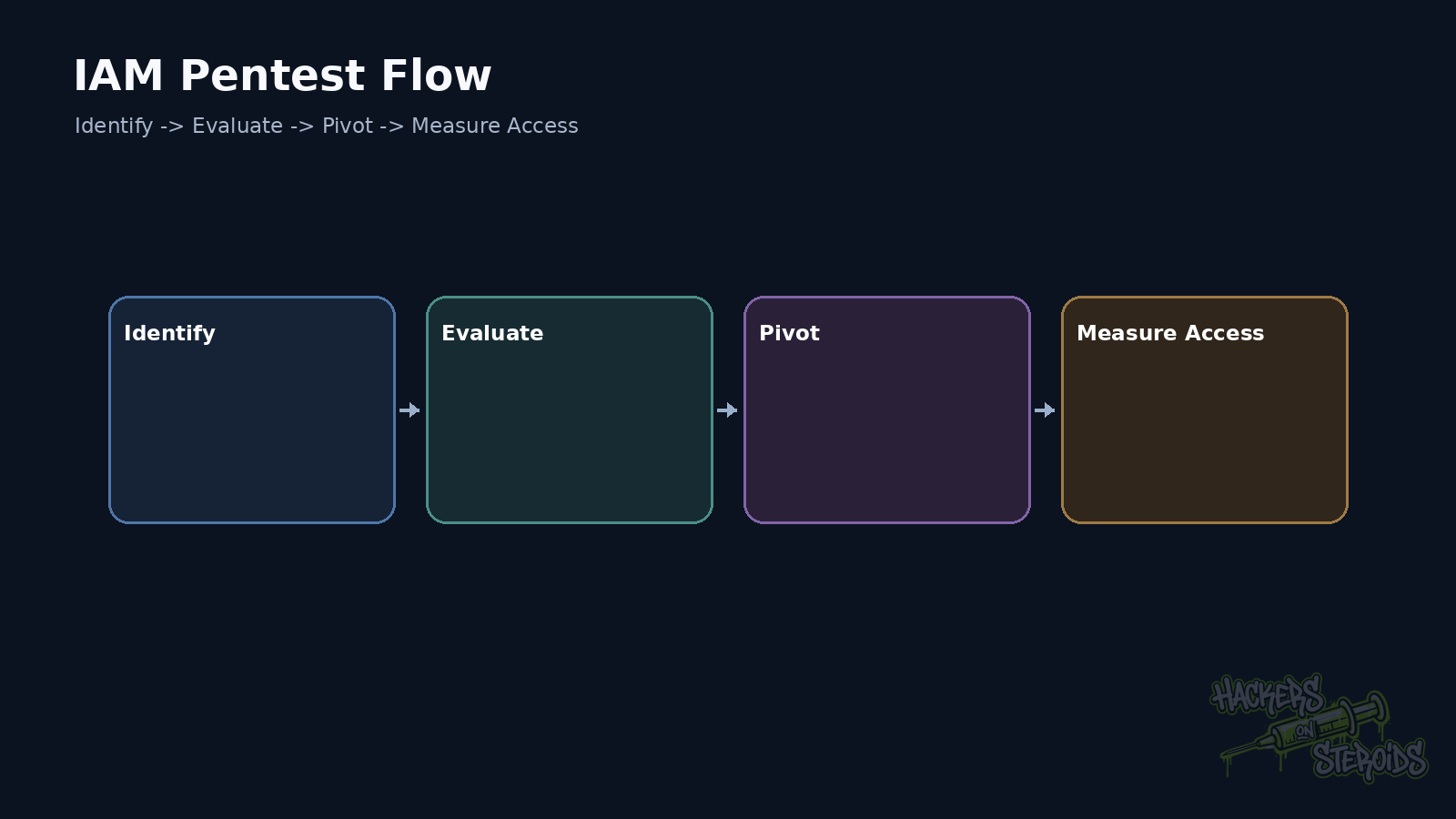
Identify the principal.
Collect effective policies and limiters.
Map AssumeRole.
Map PassRole together with services the principal can create.
Map IAM mutation permissions.
Map resource policies.
Then look for secrets and workload credentials that lead to another principal.
Hardening
Use temporary credentials.
Use federation for humans.
Use roles for workloads.
Require MFA where appropriate.
Apply least privilege.
Use permissions boundaries for delegated administration when they fit.
Use SCPs as organization guardrails.
Write specific trust policies.
Use meaningful conditions.
Use Access Analyzer to review access and policies.
Remove unused identities, policies, and credentials.
IAM gets safer when every trust relationship clearly defines principal, action, resource, and condition.
References
AWS, Security best practices in IAM.
AWS, Policy evaluation logic.
AWS, Permissions boundaries for IAM entities.
AWS, AWS security credentials.