
MSSQL in Active Directory: Linked Servers and Privesc
MSSQL inside Active Directory: impersonation with EXECUTE AS, xp_cmdshell, linked server chains, the double hop problem and coerced authentication.
One SQL credential can turn into Windows access, another SQL Server, or another trust boundary before the user realizes where the transition happened.
SQL Server is common in Windows networks because it integrates deeply with Active Directory.
Integrated authentication.
Service accounts.
SPNs.
Linked servers.
Impersonation.
Jobs.
Credentials.
When those pieces connect, a database login can reach far beyond permissions inside one database.
The examples below assume a lab or an authorized penetration test.
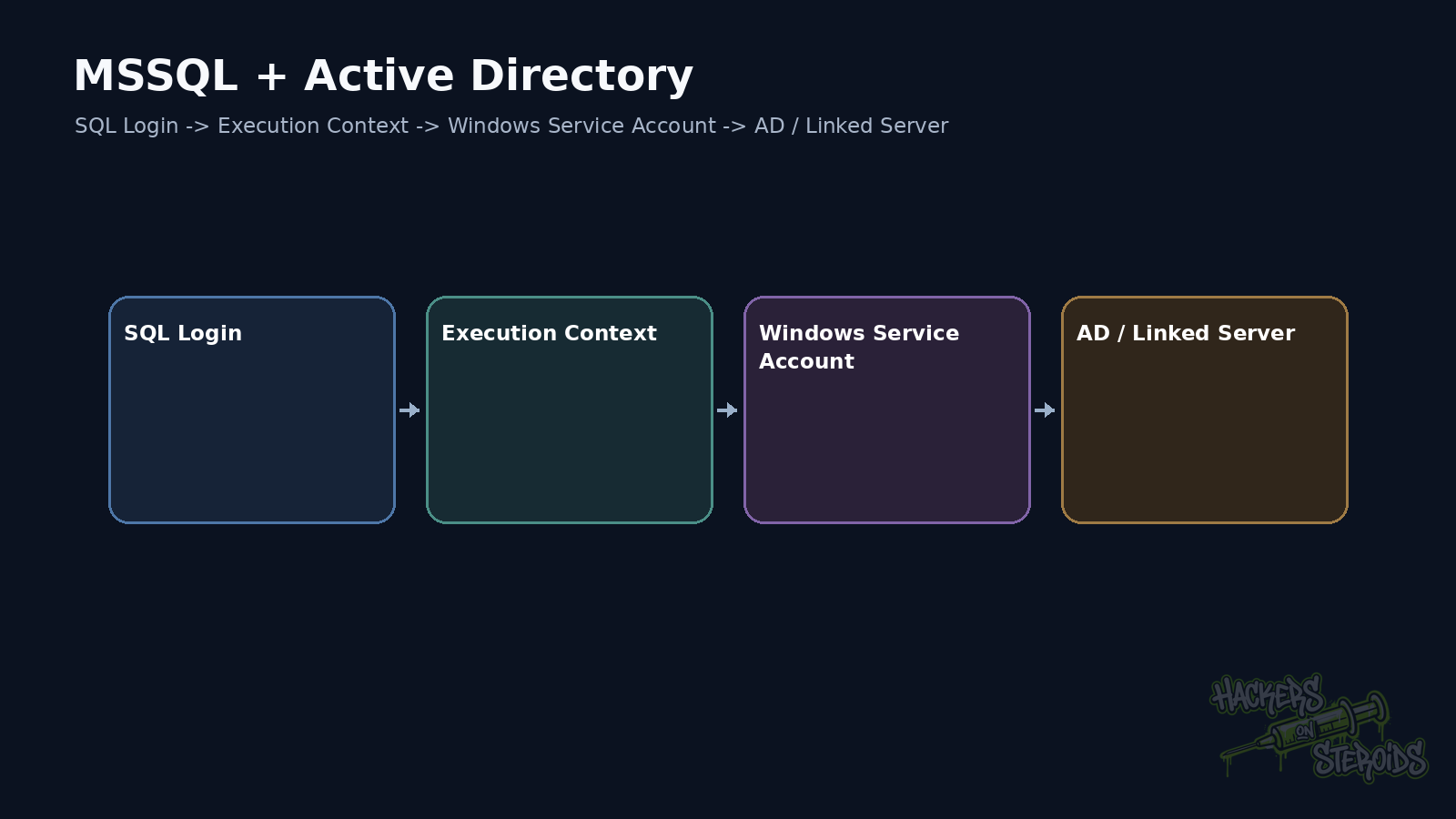
Find out how you authenticated
SQL Server can accept SQL Authentication and Windows Authentication.
SQL Authentication uses credentials maintained by SQL Server.
Windows Authentication uses Windows identity and may involve Kerberos or NTLM.
That difference matters.
A SQL login such as report_user may not exist in the domain.
A Windows login such as LAB\gabriel carries an identity that may also have relationships outside SQL Server.
I start with:
1
2
3
SELECT SYSTEM_USER;
SELECT ORIGINAL_LOGIN();
SELECT USER_NAME();
Those values help separate the server login, current execution context, and database user.
Server role matters more than the login name
Inspect server role membership.
Pay special attention to sysadmin.
A login named svc_reports may sound harmless.
If it is sysadmin, the name tells you very little.
I also look for CONTROL SERVER, IMPERSONATE, and specific permissions that create equivalent paths.
To check the current context:
1
SELECT IS_SRVROLEMEMBER('sysadmin');
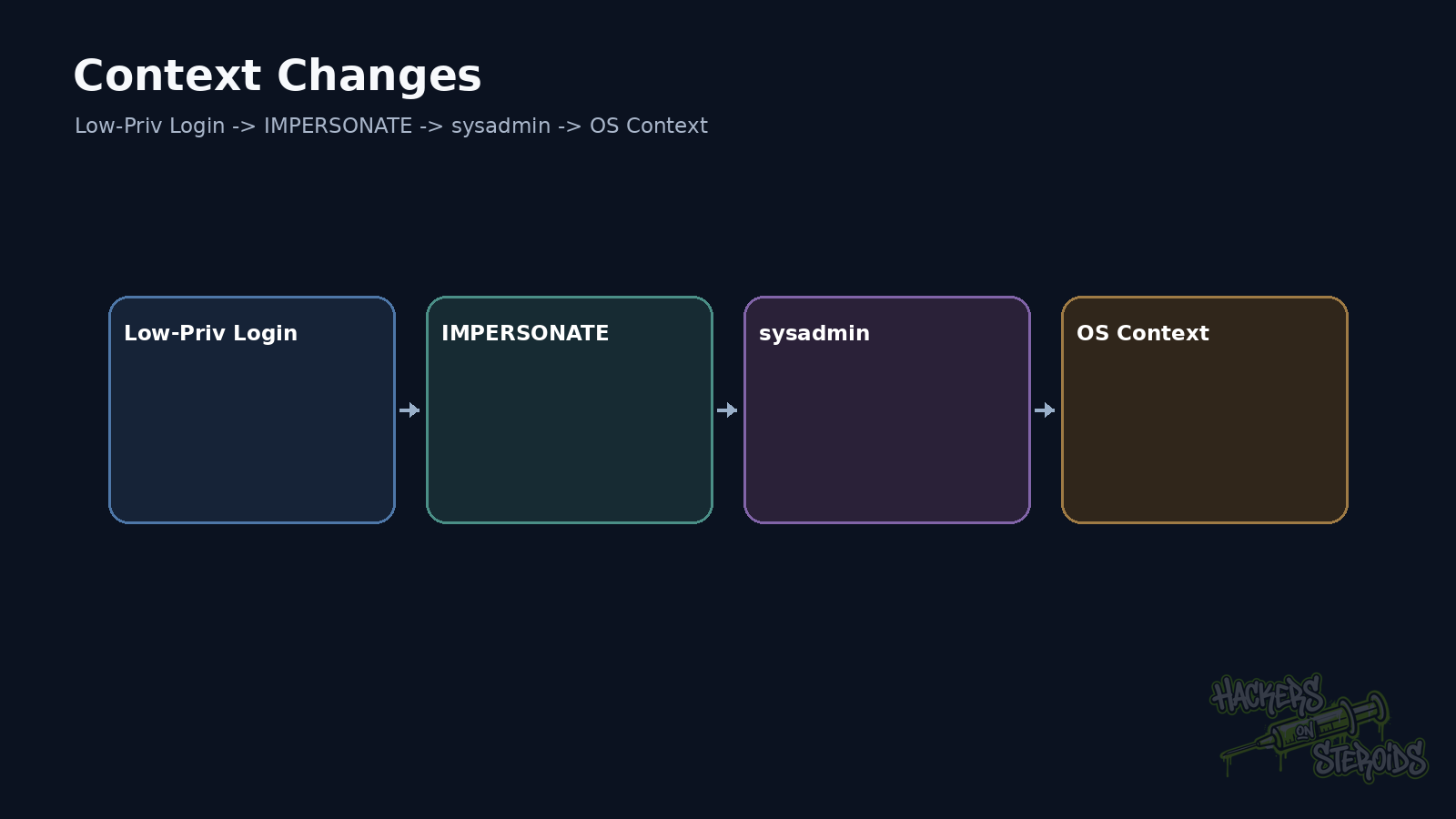
EXECUTE AS changes execution context
SQL Server supports impersonation at several levels.
Example:
1
2
3
EXECUTE AS LOGIN = 'sa';
SELECT SYSTEM_USER;
REVERT;
This only works when the principal has the required permission.
The useful pentest question is which logins can be impersonated.
A non-sysadmin login may hold IMPERSONATE over a more privileged login.
That creates a privilege path entirely inside SQL Server.
xp_cmdshell crosses into the operating system
xp_cmdshell executes operating-system commands.
It is disabled by default on new installations.
When a sysadmin executes it, the child process normally runs under the SQL Server service account context.
Validation:
1
EXEC xp_cmdshell 'whoami';
The response tells you which Windows identity actually executed the process.
That is more useful than assuming SQL sysadmin means SYSTEM.
It may be a virtual account.
It may be a domain account.
It may be a gMSA.
It may have little local privilege.
It may have strong rights on another host.
Measure the context.
The service account connects MSSQL to AD
SQL Server often runs under a domain identity when it needs remote resource access.
That account may hold an SPN such as:
1
MSSQLSvc/sql01.lab.local:1433
It may also access shares.
Perform remote backups.
Connect to another SQL Server.
Read network files.
Execution through xp_cmdshell under that service account can therefore place the pentester inside a domain identity.
At that point the test extends beyond the database.
Linked Servers create another boundary
Linked Servers allow one SQL Server to query another server.
Basic enumeration:
1
EXEC sp_linkedservers;
Then test remote context:
1
2
SELECT *
FROM OPENQUERY([SQL02], 'SELECT SYSTEM_USER AS LoginName');
The critical question is which identity SQL02 sees.
There may be an explicit mapping.
There may be a stored credential.
The connection may attempt to delegate the current Windows identity.
Each configuration creates a different risk.
The double-hop problem matters
Windows Authentication with Kerberos may require delegation when SQL01 receives a user and then accesses SQL02 on that user’s behalf.
Without delegation, the second hop often fails or uses another context.
When a linked server works across multiple Windows systems using the caller identity, I inspect SPNs and delegation.
What looks like database configuration may reveal a significant Kerberos trust relationship.
Linked servers can form chains
Consider:
1
2
3
4
5
6
7
8
9
10
11
12
APP01
  |
  v
SQL01
  |
  | linked server
  v
SQL02
  |
  | linked server
  v
SQL03
The initial login may have little access on SQL01.
The mapping on SQL02 may produce more privilege.
SQL03 may use another login with even greater rights.
A good pentest checks context at every hop.
Do not assume identity remains the same.
EXEC AT helps validate remote context
When RPC OUT is allowed:
1
EXEC ('SELECT SYSTEM_USER') AT [SQL02];
This shows the effective login on the remote server.
With additional permissions, other operations may become possible.
Impact depends on linked-server options and login mapping.
Coerced authentication can appear too
SQL Server can access UNC paths during certain operations.
That may cause the service account to authenticate to a remote host.
In a controlled test, this can prove NTLM exposure or confirm which domain identity the service uses.
I keep that proof separate from relay.
Making the service account authenticate is one capability.
Relaying that authentication to a useful target is another chain.
Jobs and Agent deserve inspection
SQL Server Agent executes jobs.
Jobs may run T-SQL, PowerShell, CmdExec, and other subsystems depending on configuration.
Proxies and credential objects may also exist.
If a login can create or change a job executed under a more privileged context, a trust boundary has changed.
The same reasoning applies to maintenance and backup jobs.
Files often expose credentials
Look for connection strings.
Application configuration.
SSIS.
Deployment scripts.
Backups.
Credential objects.
A database may contain a password for another system.
SQL Server may also read files that the original user cannot access directly.
Filesystem and database secrets often cross paths.
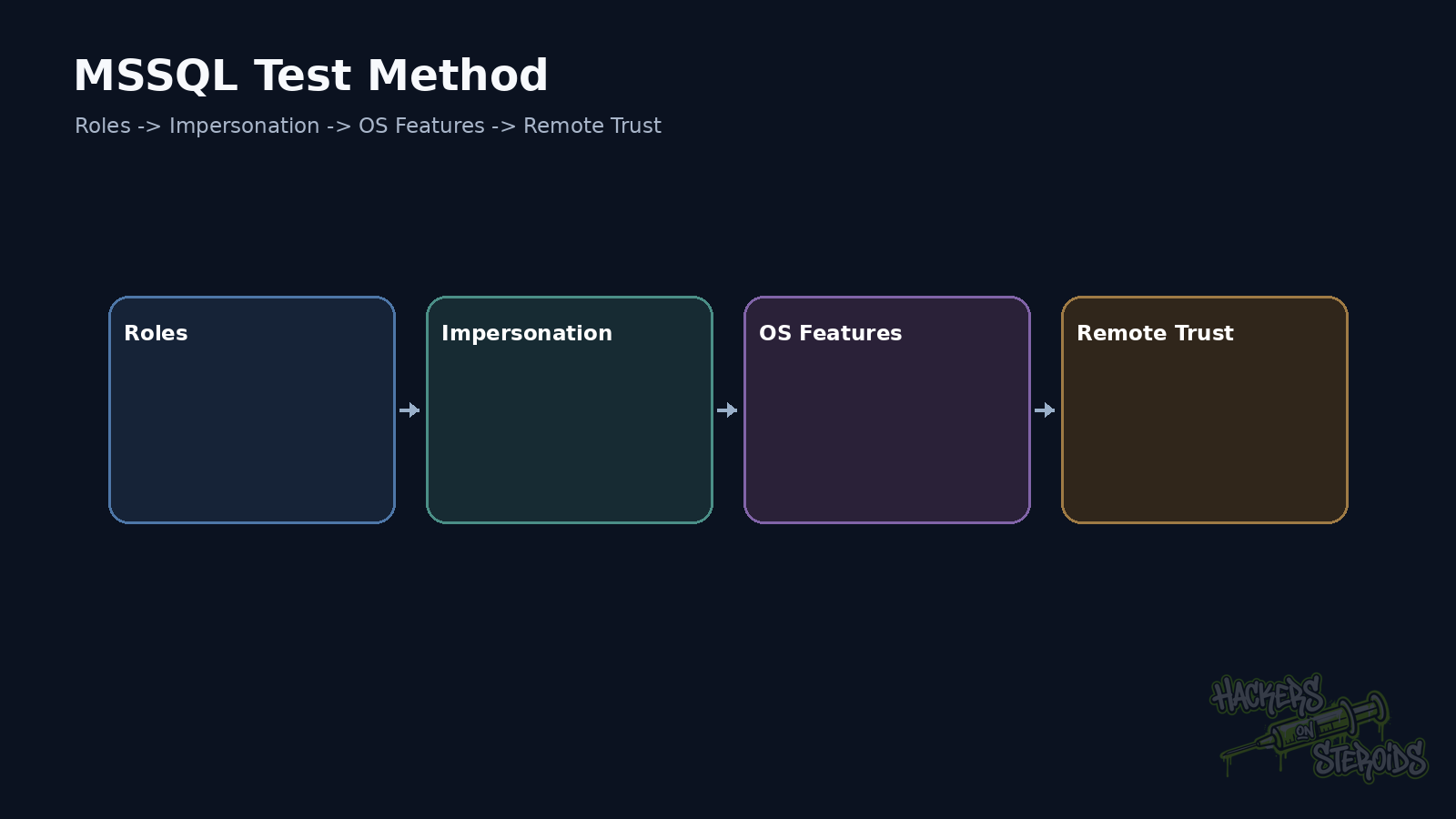
How I organize the pentest
Identify login and server role first.
Then test impersonation.
Then inspect features that cross into the operating system.
Then linked servers.
Then service account, SPN, and delegation.
Finally, connect those relationships back to Active Directory.
Remediation
Keep xp_cmdshell disabled when it is unnecessary.
When it is required, restrict execution and use a lower-privileged proxy where appropriate.
Review sysadmin, CONTROL SERVER, and IMPERSONATE.
Remove unused linked servers.
Review mappings and RPC options.
Run services with least privilege.
Prefer gMSA where suitable.
Review Kerberos delegation.
Protect credentials and SQL Agent jobs.
The most dangerous findings often appear when one SQL Server boundary opens another security boundary.
References
Microsoft Learn, xp_cmdshell server configuration option.
Microsoft Learn, xp_cmdshell Transact-SQL.
Microsoft Learn, Linked Servers.